
|
Do it yourself
| |||
| ||||


How to restart the IDrive navigation system on a BMW.
Model: BMW BMW Various
In this video, we see how to restart the IDrive navigation system on our BMW. Perhaps your navigator is stuck or the LCD screen has gone dark. In any case, to restart the system, we must always follow the same method, which is this: simultaneously press the DVD eject button, the CD button, and the volume knob. If there are discs in these units, they may come out for a moment, but this is normal. Give the system a few seconds to restart and the discs will return on their own. The LCD screen will light up, showing the BMW logo; this means that the system is restarting.
Posted on 13 April 2023 by ScegliAuto
Video tutorial
Related tutorials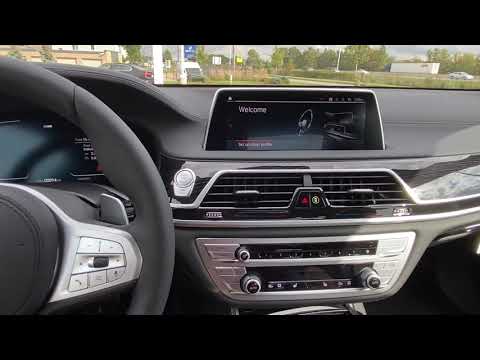
BMW BMW Various
In this video, we see how to restart the Idrive operating system of BMW: with the car on (but the engine off), we need to hold down the volume button…

BMW BMW Various
It will be possible to adjust the iDrive system of BMW by first inserting the ignition key and turning on the instrument panel by pressing the approp…

BMW BMW Various
In this tutorial we can see how to reset the iDrive system in a BMW, an extremely simple and fast operation, to be done for example in case the syste…
Other guides you may be interested in |
How to Remove the Cabin Air Filter from a Fiat Panda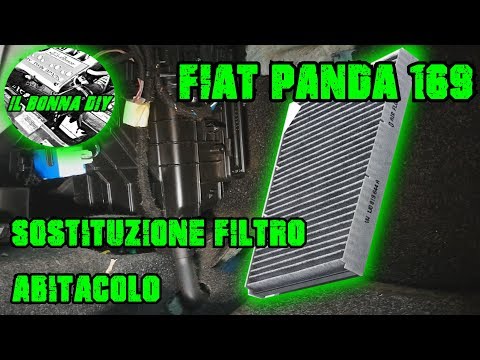
See how to remove the cabin air filter (pollen filter) in the Fiat Panda. The cabin filter is located at the bottom left of the glove compartment. Using a plastic lever, remove the cover located at the bottom right of the centre tunnel; get a screwdriver or cordless drill, remove the cap from the filter housing, then extract the worn cabin filter. Insert a new cabin filter, ensuring it fits snugly around the walls of the housing, refit the cap of the filter housing and tighten the screws. Check the correct installation of the previously fitted parts. by ScegliAuto More videos
|
|
For advertising on this site Write to info@scegliauto.com
ScegliAuto is not responsible for any inaccuracy of the data in the lists. To report any inaccuracy or your business (if you own the business in question), please write to info@scegliauto.com
Number of seconds to generate the page: 0.060
(c) ScegliAuto 2026 - info@scegliauto.com - Privacy policy VAT number: IT01247470535 |
