
|
Do it yourself
| |||
| ||||


Honda N Wgn Years 2019-2026 (MK 2)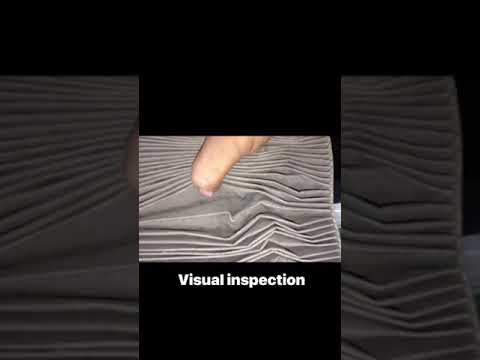 Honda N Wgn (2019-2026 / MK 2)
How to Replace the Cabin Air Filter on the Honda N Wgn When you notice that the airflow from the vents is limited when the air conditioning is turned on, it may be necessary to clean or replace the cabin air …Read all… Posted on 18 September 2026 by ScegliAuto  Honda N Wgn (2019-2026 / MK 2)
How to Replace the Remote Battery of the Honda N-WGN? Replacing the remote battery of the Honda N-WGN is an extremely simple and inexpensive task. Here's how to proceed in this tutorial. First, gather a small …Read all… Posted on 11 August 2026 by ScegliAuto 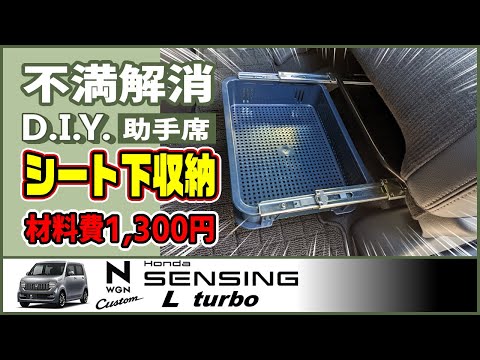 Honda N Wgn (2019-2026 / MK 2)
How to Install a Hidden Drawer in a Toyota N Wgn A great hiding spot for your laptop or tablet can be a hidden drawer under the passenger seat. This video shows you how to install it easily. These metal …Read all… Posted on 11 August 2026 by ScegliAuto 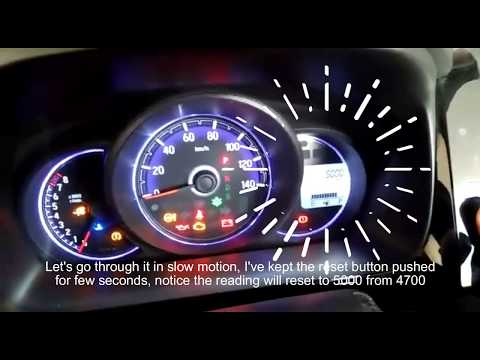 Honda N Wgn (2019-2026 / MK 2)
How to Reset the Service Light on a Honda N-WGN? In this tutorial, you will see how to reset the service light on a Honda N-WGN, a very simple operation that should only be done after completing all required …Read all… Posted on 2 August 2026 by ScegliAuto 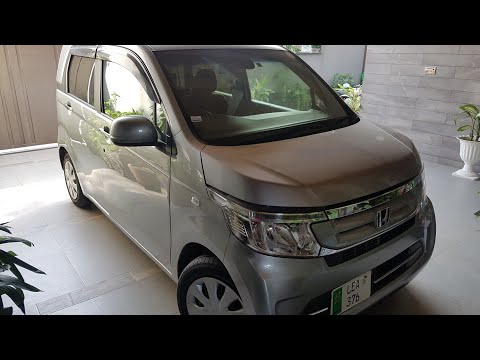 Honda N Wgn (2019-2026 / MK 2)
How to Replace the Door Lock of the Honda N-WGN? To remove the door lock of the Honda N-WGN, first disassemble the corresponding door panel: this must be removed from the door by loosening the screws that …Read all… Posted on 26 July 2026 by ScegliAuto 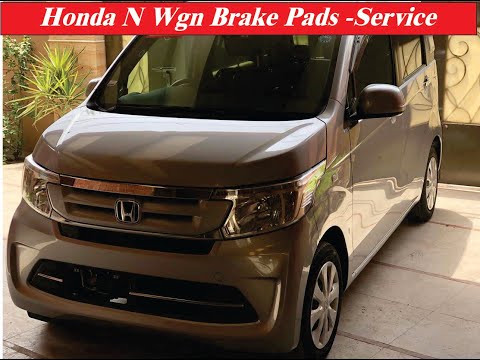 Honda N Wgn (2019-2026 / MK 2)
How to Replace the Brake Pads on a Honda N WGN? To replace the brake pads on a Honda N WGN, lift the vehicle so that the wheels are off the ground. Once the vehicle is lifted, remove the bolts securing the …Read all… Posted on 20 July 2026 by ScegliAuto |
How to Reset the Tyre Pressure Light on the Opel Grandland X
While driving, if you notice the tyre pressure warning light coming on, first check the actual inflation pressure of the tyres and, if necessary, restore the pressures recommended by the manufacturer. After restoring the correct pressures, you need to reset the warning light that has illuminated on the instrument cluster. To do this, locate the reset button on the lower central console. Press this button and hold it down for at least 3 seconds, after which the low pressure indication will turn off. by ScegliAuto More videos
|
|
For advertising on this site Write to info@scegliauto.com
ScegliAuto is not responsible for any inaccuracy of the data in the lists. To report any inaccuracy or your business (if you own the business in question), please write to info@scegliauto.com
Number of seconds to generate the page: 0.009
(c) ScegliAuto 2026 - info@scegliauto.com - Privacy policy VAT number: IT01247470535 |
