
|
Do it yourself
| |||
| ||||


Reset Maintenance Light on Mercedes C-Class
Model: Mercedes Classe C
W204
- Years 2007-2013
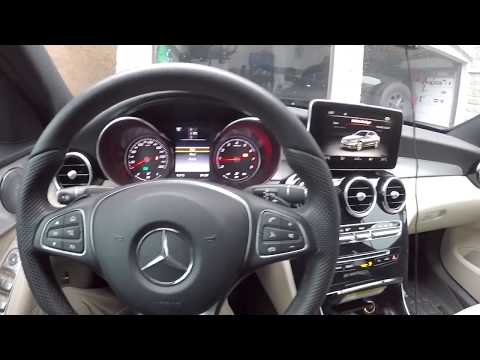
Reset the maintenance light on your Mercedes C-Class? Use the buttons located on the steering wheel. Turn on the ignition with the remote key, press the OK button and the call button on the steering wheel (right and left). Use the left buttons to scroll through the Service Menu. Scroll through the menu and find the setting to adjust. Press the buttons on the right and left of the steering wheel to confirm the reset selection. Turn off and turn on the ignition to verify the reset setting. Always read the data displayed on the Menu and press the OK button.
Updated on 19 March 2026 by ScegliAuto
Video tutorial
Related tutorials
Mercedes Classe C
(2007-2013 /
W204)
.. tire pressure warning light on the Mercedes C-Class. Before recalibrating the TPMS sensors, ensure that all four tires are at the proper operating.. …
Mercedes Classe C
(2014-2021 /
W205)
.. to reset the tire pressure light on a Mercedes C-Class by following the steps below. Before performing the reset, ensure that you have resolved any issues.. …

Mercedes Classe C
(2021-2026 /
W206)
.. tire pressure monitoring light on a Mercedes C-Class vehicle. To reset the light, press the menu button located on the steering wheel and then use the.. …
Other guides you may be interested in
|
Frequently Asked QuestionsHow to Adjust the Handbrake on a BMW 1 Series?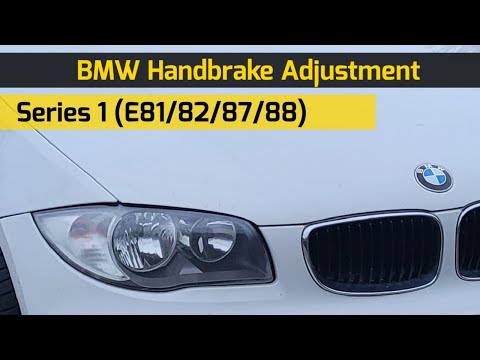
To adjust the handbrake on a BMW 1 Series, use a tool to pry off the leather cover that wraps around the base of the handbrake lever. Once this cover is removed, you will be able to locate the spring that regulates the handbrake tension. At this point, adjust the nut located at the base of the spring: tightening the nut will make the handbrake firmer and reduce the lever's travel. Conversely, loosening the nut will decrease the handbrake's firmness and increase the lever's travel. by ScegliAuto More videos
|

|
For advertising on this site Write to info@scegliauto.com
ScegliAuto is not responsible for any inaccuracy of the data in the lists. To report any inaccuracy or your business (if you own the business in question), please write to info@scegliauto.com
Number of seconds to generate the page: 0.451
(c) ScegliAuto 2026 - info@scegliauto.com - Privacy policy VAT number: IT01247470535 |
