
|
Do it yourself
| |||
| ||||


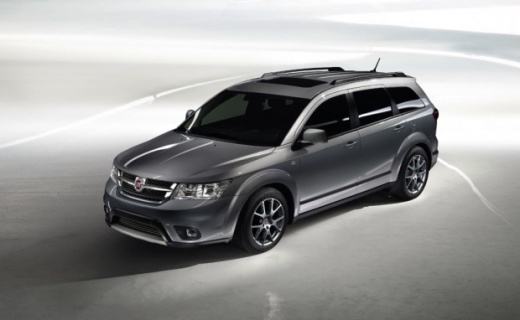
How can I access the hidden UConnect menu of my Fiat Freemont?
Years:
2011-2016
The UConnect of your Fiat Freemont has a hidden menu called Engineering Menu, which allows you to control some parameters of the on-board computer. TO ACCESS THE MENU (depending on the version) you will have to follow the following commands: On UConnect 7: hold down the three buttons circled in red for a few seconds; On UConnect 5: you have to hold down the buttons circled in yellow for a few seconds; To exit the menu just turn the radio off and on again.
Video
How to update Uconnect on a Fiat Freemont vehicle
Fiat Freemont
(2011-2016 /
MK 1)
Updating Uconnect on a Fiat Freemont vehicle is a fairly simple and quick operation to be carried out independently. Let's start by going to the Fiat…
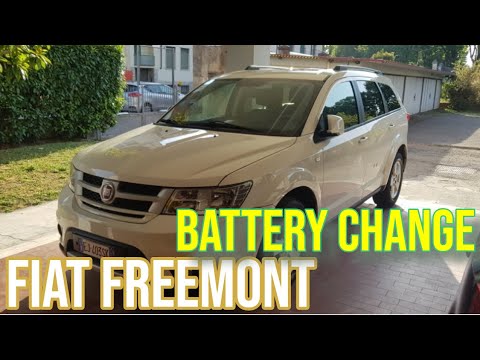
Fiat Freemont
(2011-2016 /
MK 1)
To access the battery on the Fiat Freemont, you need to remove the front right wheel by loosening the appropriate bolts. Once the wheel is removed, y…

Fiat Freemont
(2011-2016 /
MK 1)
We will briefly see the instructions that will allow us to adjust the clock on the instrument panel display of the Fiat Freemont. First, let's get in…
|
Why doesn't the heater on the Fiat Freemont work?
Answer: 1-01-2023
What is the position of the fuse box on the Fiat Freemont?
Answer: 24-10-2022
Where is the trunk light fuse located on the Fiat Freemont?
Answer: 26-06-2022
How to reset the service on the Fiat Freemont?
Answer: 11-04-2022
What problems can the 140 hp Fiat Freemont present?
Answer: 6-04-2022
How to reset the Uconnect system in the Fiat Freemont?
Answer: 27-03-2022
Where is the Fiat Freemont bluetooth fuse located?
Answer: 20-01-2022
What does the red light with the lightning bolt on the Fiat Freemont mean?
Answer: 15-01-2022
Why does the screen of the Fiat Freemont not turn on?
Answer: 14-09-2021
How much oil does the automatic transmission of a Fiat Freemont need?
Answer: 9-10-2020 
|
For advertising on this site Write to info@scegliauto.com
ScegliAuto is not responsible for any inaccuracy of the data in the lists. To report any inaccuracy or your business (if you own the business in question), please write to info@scegliauto.com
Number of seconds to generate the page: 0.296
(c) ScegliAuto 2026 - info@scegliauto.com - Privacy policy VAT number: IT01247470535 |
