
|
Do it yourself
| |||
| ||||



How to reset the Dacia Dokker service warning light?
Years:
2013-2024
To switch off the SERVICE warning light, after having obviously carried out regular maintenance, a procedure must be carried out by pressing the accelerator and brake pedals appropriately: - apply the handbrake and put the vehicle in neutral; - turn on the ignition and within 10 seconds press the accelerator pedal all the way down: - keeping the accelerator pedal pressed, press the brake pedal all the way down three times and the third time release the brake and accelerator together; - then turn off the ignition and turn on again to verify that the reset has taken place.
Video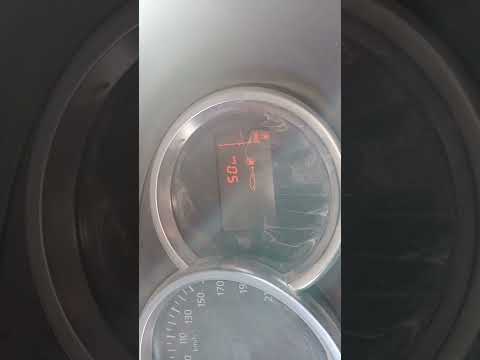
How to Reset the Tyre Warning Light on a Dacia Dokker?
Dacia Dokker
(2013-2024 /
MK 1)
In this tutorial, you will see how to reset the tyre warning light on a Dacia Dokker, a very simple and quick operation to perform only after restori…

Dacia Dokker
(2013-2024 /
MK 1)
It will be possible to completely reset the tire pressure warning light of the Dacia Dokker by inflating the tires to the recommended pressure value:…
Dacia Dokker
(2013-2024 /
MK 1)
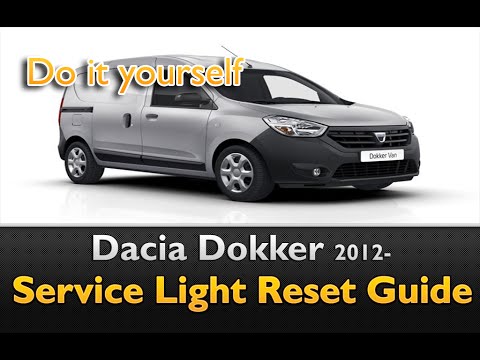
In this brief video tutorial, you can see how to reset the maintenance warning light on a Dacia Dokker. Start by ensuring all the car doors are close…
|
What are the spies of the Dacia Dokker?
Answer: 7-04-2022
Where is the inertia switch of the Dacia Dokker located?
Answer: 3-12-2021 
|
|
For advertising on this site Write to info@scegliauto.com
ScegliAuto is not responsible for any inaccuracy of the data in the lists. To report any inaccuracy or your business (if you own the business in question), please write to info@scegliauto.com
Number of seconds to generate the page: 0.080
(c) ScegliAuto 2026 - info@scegliauto.com - Privacy policy VAT number: IT01247470535 |
