
|
Do it yourself
| |||
| ||||


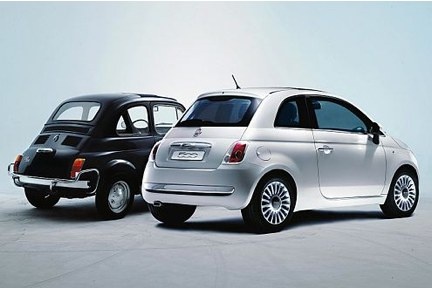
How to reset the TPMS light on the Fiat 500
Model: Fiat 500
312
- Years:
2007, 2008, 2009, 2010, 2011, 2012, 2013, 2014, 2015, 2016, 2017, 2018
Video tutorial
Today we will explain how to reset the TPMS light on a Fiat 500 vehicle. To reset the light, we need to turn on the instrument panel and press the up arrow button located next to the display to access the settings menu. By pressing the button, we scroll through the various options and select the "TPMS" option. We press the menu button to confirm access to the option and begin the reset of the light. Once the tire pressure has been recorded on the vehicle, we return to the main menu and restart the instrument panel to complete the operation.
Posted on 14 January 2026 by ScegliAuto
Related tutorials
Fiat 500
(2014-2022 /
500 X)
Resetting the TPMS light on the 2016 Fiat 500 X follows very simple steps that can be performed independently. The steps to follow are: First, turn o…
Fiat 500
(2007-2024 /
312)
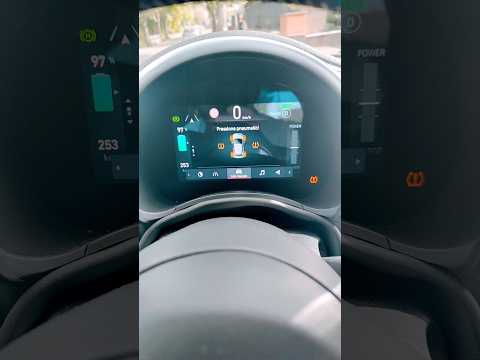
When the TPMS light on the Fiat 500 comes on, it means you need to check the tyre pressure of your vehicle and only then reset the light. To reset th…
Fiat 500
(2007-2022 /
312)
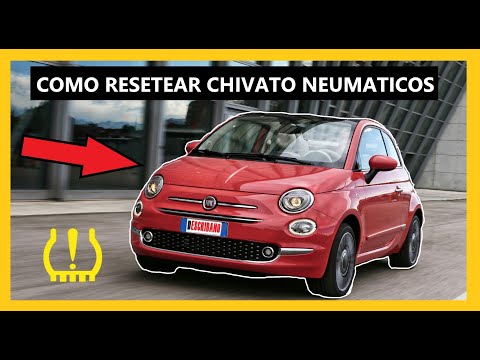
Today, we will go through the instructions on how to reset the tyre pressure light on the Fiat 500; before performing the reset, ensure all four tyre…
Other guides you may be interested in |
How to Replace the Battery in a BMW 2 Series Active Tourer?
To replace the battery in a BMW 2 Series Active Tourer, open the hood to access the components in the engine compartment: in the upper right corner, just below the windshield on the driver's side, you will find a panel to remove. The battery is located under this panel and can be removed by loosening the screws that secure it and disconnecting the power cables; this will allow you to connect and install the new battery to ensure everything functions correctly. by ScegliAuto More videos
|
|
For advertising on this site Write to info@scegliauto.com
ScegliAuto is not responsible for any inaccuracy of the data in the lists. To report any inaccuracy or your business (if you own the business in question), please write to info@scegliauto.com
Number of seconds to generate the page: 0.020
(c) ScegliAuto 2026 - info@scegliauto.com - Privacy policy VAT number: IT01247470535 |
