
|
Do it yourself
| |||
| ||||


How to switch to dark mode on the multimedia screen of the Geely Coolray.
Model: Geely Geely Various
In this video, we can see how to switch from light mode to dark mode - much more elegant - on the multimedia screen of the Geely Coolray. Let's press the settings button directly from the virtual keys on the left side of the screen, then press the button at the bottom left that says "vehicle." From here, we select the button that depicts the steering wheel. Then we select the contrast option by pressing in the center of the screen. Various options related to contrast and screen coloring will appear. Let's choose the "night" option, and after a moment, we will see the entire screen in dark mode.
Posted on 7 December 2025 by ScegliAuto
Video tutorial
Related tutorials
Geely Geely Various
As we can see in this tutorial, removing the rear door panel in the Geely Coolray is an extremely simple and fast operation. First, let's go inside t…

Geely Geely Various
In this new mini guide dedicated to those of you who own a Geely Coolray, we will explain the steps you need to follow if you intend to manually rese…
Geely Geely Various
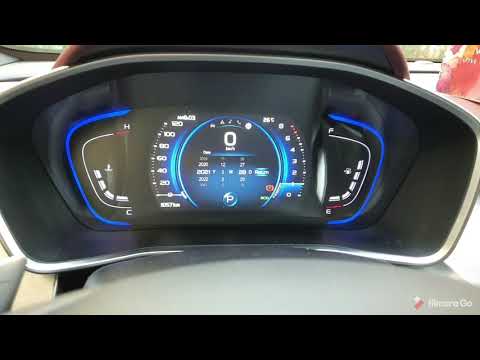
In this tutorial we can see how to set the time in the Geely Coolray, a very simple operation, to be carried out after being left with the battery on…
Other guides you may be interested in
|
How to Update the TomTom on a Renault Scenic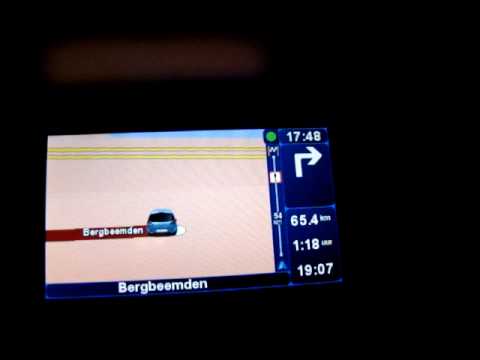
Follow this video to update the original TomTom navigator on a Renault Scenic. This is a very simple operation; enter the vehicle, turn on the instrument panel of your car with the key fob, press the knob located near the gear lever, and find the menu with the update option. Press the knob down and up to confirm, then wait for the necessary time for the device to update. Finally, the onboard computer will display the successful update of the navigator; check everything and turn off the instrument panel with the appropriate key. by ScegliAuto More videos
|
|
For advertising on this site Write to info@scegliauto.com
ScegliAuto is not responsible for any inaccuracy of the data in the lists. To report any inaccuracy or your business (if you own the business in question), please write to info@scegliauto.com
Number of seconds to generate the page: 0.108
(c) ScegliAuto 2026 - info@scegliauto.com - Privacy policy VAT number: IT01247470535 |
