
|
Do it yourself
| |||
| ||||


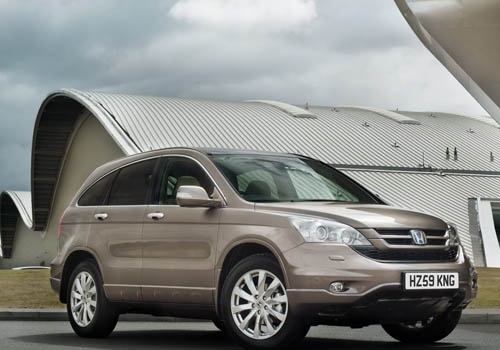
How do you reset the tire pressure light on the Honda CR-V?
Model: Honda CR-V
MK 3
- Years:
2007, 2008, 2009, 2010, 2011, 2012
Video tutorial
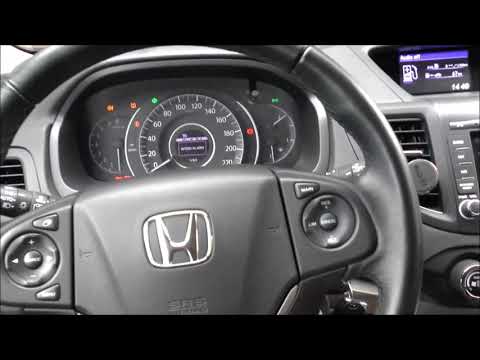
On the instrument panel of the Honda CR-V, it will be possible to completely remove the tire pressure warning light by turning on the instrument panel, so that it is possible to navigate within the menu that will be shown on the onboard computer: here you will be able to find the option indicating tire pressure. Once this option has been selected on the onboard computer, you will need to hold down the RESET button located on the right side of the instrument panel; by continuing to hold down this button, you can make the warning light disappear from the instrument panel and then turn it off.
Posted on 28 February 2025 by ScegliAuto
Related tutorials
Honda CR-V
(2023-2026 /
MK 6, RS)
Today we will discover the instructions on how to reset the tire pressure warning light on the Honda CR-V; before resetting the TPMS sensors, it is n…

Honda CR-V
(2007-2012 /
MK 3)
On the instrument panel of the Honda CR-V, the tire pressure warning light that is displayed can be reset by inflating the tires until they reach the…
Honda CR-V
(2017-2022 /
MK 5)
To reset the tyre pressure light on a Honda CR-V, ensure all tyres are inflated to the recommended pressure. Once done, enter the cabin and turn on t…
Other guides you may be interested in
|
How to unlock the radio of the Iveco Daily
When an Iveco Daily displays the radio error message or prompts to enter the radio code, it means you need to enter the unlock code to resume using the radio. This situation occurs after replacing or disconnecting the vehicle's battery. Enter the unlock code, which can be found in the vehicle's user manual or calculated through the "radio code" website. Input the code using the numeric buttons and then confirm by pressing the OK button. Once this is done, turn off and then turn on the ignition. by ScegliAuto More videos
|
|
For advertising on this site Write to info@scegliauto.com
ScegliAuto is not responsible for any inaccuracy of the data in the lists. To report any inaccuracy or your business (if you own the business in question), please write to info@scegliauto.com
Number of seconds to generate the page: 0.112
(c) ScegliAuto 2026 - info@scegliauto.com - Privacy policy VAT number: IT01247470535 |
