
|
Do it yourself
| |||
| ||||


How to reset the tire pressure light in the Mini Cooper?
Model: Mini Mini
F66
- Years 2023-2026
In this tutorial we can see how to reset the tire pressure light in the Mini Cooper, an extremely simple and quick operation, to be done only after restoring the correct pressure of each tire following the instructions in the manual. First of all, let's go inside the car, then insert the key and turn on the instrument panel. Next, go to the "My Mini" section on the touchscreen display, enter "Vehicle Status", navigate to the tire screen and select "Tyre Settings". At this point, all that's left to do is to reset using the "Perform reset" option.
Posted on 8 July 2025 by ScegliAuto
Video tutorial
Related tutorials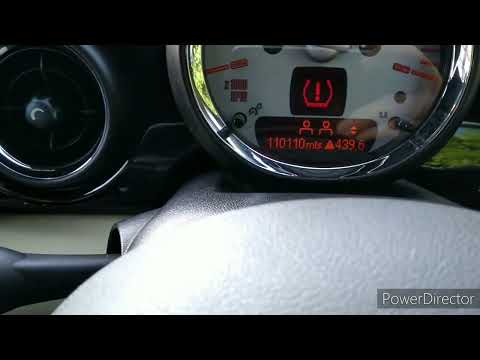
Mini
(2007-2014 /
R56, R55, R57)
This video tutorial shows step by step how to reset the tyre pressure warning light on a Mini Cooper R56. This procedure is simple and quick to perfo…
Mini
(2001-2007 /
R53, R52, R50)
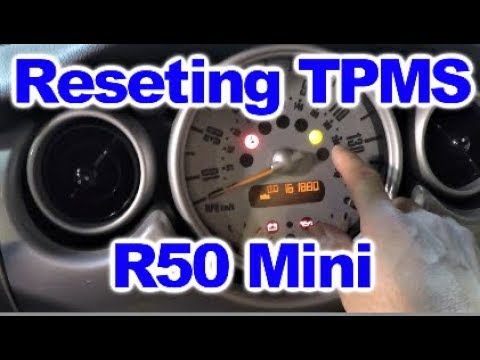
The tyre pressure warning light activates when the vehicle's TPMS detects one or more anomalies in the tyre pressures. Here's how to reset the TPMS w…

Mini
(2001-2007 /
R53, R52, R50)
If the tire pressure warning light on your Mini Cooper R52 continues to stay on constantly on the instrument panel and you want to manually reset it,…
Other guides you may be interested in
|
How to Open the Fuel Cap of the Volkswagen Jetta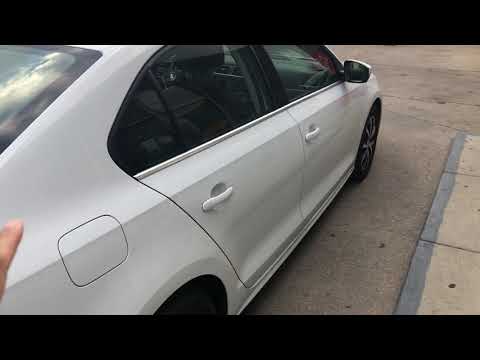
When you need to refuel this vehicle, first open the fuel filler flap. Follow these simple instructions, and you can also watch the video for more details. First, unlock the central locking to open the flaps. Then, press the fuel cap with your hand to unlock it and open it. Underneath, you will find the fuel cap, which you need to unscrew counterclockwise. At this point, you can proceed to refuel. by ScegliAuto More videos
|

|
For advertising on this site Write to info@scegliauto.com
ScegliAuto is not responsible for any inaccuracy of the data in the lists. To report any inaccuracy or your business (if you own the business in question), please write to info@scegliauto.com
Number of seconds to generate the page: 0.110
(c) ScegliAuto 2026 - info@scegliauto.com - Privacy policy VAT number: IT01247470535 |
