
|
Do it yourself
| |||
| ||||


How to Reset the Service Light on the Mini Cooper R50
Model: Mini Mini
R53, R52, R50
- Years 2001-2007
If the yellow service light on the dashboard of your Mini Cooper Mk1 remains on after performing the regular service, you must proceed with a manual reset. Below are the necessary steps. Locate the button inside the speedometer and hold it down. At the same time, turn the key to position one and start the ignition. As soon as the display shows "SIA", release the button and press it again immediately after. Finally, when the "SIA" message starts to flash, release the button and press it one last time.
Updated on 31 July 2026 by ScegliAuto
Video tutorial
Related tutorials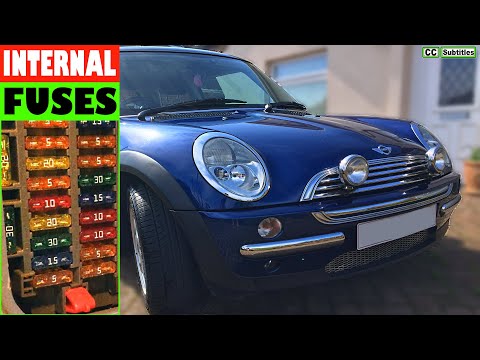
Mini
(2001-2007 /
R53, R52, R50)
Before you can start, open the front passenger door of your Mini Cooper. The fuse box is located in the lower footwell of the front passenger side, n…

Mini
(2001-2007 /
R53, R52, R50)
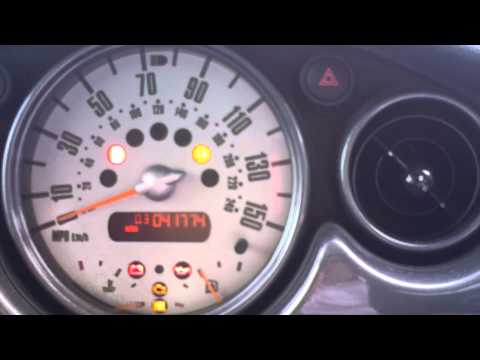
From the instrument cluster of the Mini Cooper, you can clear the Service light by turning on the ignition by turning the key in the corresponding ig…
Mini
(2001-2007 /
R53, R52, R50)
In this brief guide, we will go through the steps to reset the tyre pressure warning light on a Mini Cooper R50; before performing the reset, ensure …
Other guides you may be interested in
|
Frequently Asked QuestionsHow to Open the Fuel Cap of the Volkswagen Jetta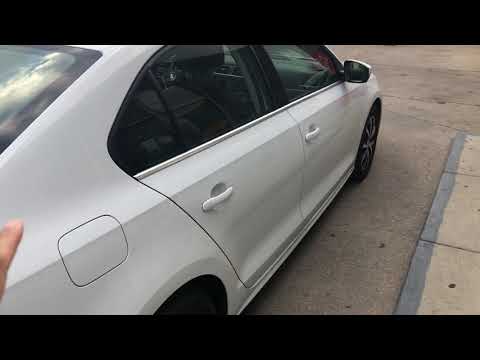
When you need to refuel this vehicle, first open the fuel filler flap. Follow these simple instructions, and you can also watch the video for more details. First, unlock the central locking to open the flaps. Then, press the fuel cap with your hand to unlock it and open it. Underneath, you will find the fuel cap, which you need to unscrew counterclockwise. At this point, you can proceed to refuel. by ScegliAuto More videos
|
|
For advertising on this site Write to info@scegliauto.com
ScegliAuto is not responsible for any inaccuracy of the data in the lists. To report any inaccuracy or your business (if you own the business in question), please write to info@scegliauto.com
Number of seconds to generate the page: 0.118
(c) ScegliAuto 2026 - info@scegliauto.com - Privacy policy VAT number: IT01247470535 |
