
|
Do it yourself
| |||
| ||||


How to Set the Time on a Renault Kangoo?
Model: Renault Kangoo
MK 2, FC, FW
- Years 2007-2021
This tutorial shows how to set the time on a Renault Kangoo, a very simple operation to perform, for example, after the battery has been flat due to the change to and from daylight saving time. First, insert the key and turn on the ignition, then scroll through the screens using the up arrow button until you reach the one indicating "SET". Once done, enter the section by holding down the down arrow button until the time starts to flash. At this point, you can proceed to adjust the time using the same two buttons.
Updated on 6 June 2026 by ScegliAuto
Video tutorial
Related tutorials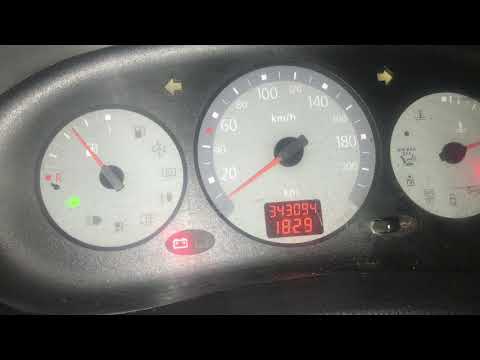
Renault Kangoo
(1997-2008 /
MK 1, KC, KW)
This video shows the procedure to change the time on the Renault Kangoo. This procedure is very simple and quick; just rotate the button located at t…
Renault Kangoo
(2007-2021 /
MK 2, FC, FW)
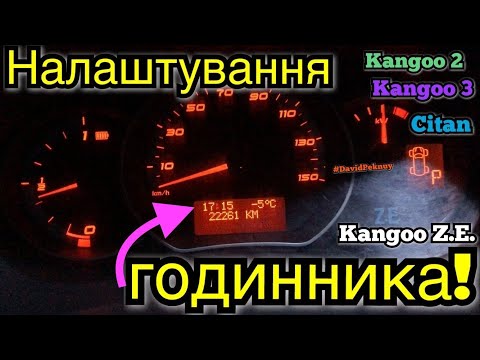
In this short guide, you will learn how to adjust the time on the small display of the Renault Kangoo's instrument panel. First, get inside the vehic…

Renault Kangoo
(2007-2021 /
MK 2, FC, FW)
In this tutorial, we can see how to adjust the time in the Renault Kangoo, an extremely simple and quick operation to be carried out, for example, af…
Other guides you may be interested in
|
How to Connect the Cables to the Battery of the Citroen Xsara Picasso?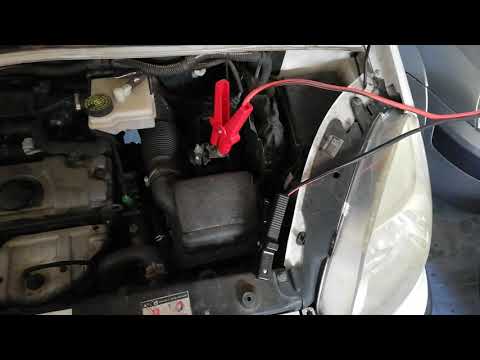
In this tutorial, you will see how to connect the cables to the battery of the Citroen Xsara Picasso, useful if you need to recharge it or perform an emergency start. First, ensure the key is not inserted, then open the bonnet and move to the front of the left headlamp. Next, locate the bolt just behind the filter box and connect the positive terminal clamp to it. Now you can connect the negative terminal to any point on the chassis, such as the indicated point. Once the operation is complete, ensure you disconnect the negative first and then the positive. by ScegliAuto More videos
|
|
For advertising on this site Write to info@scegliauto.com
ScegliAuto is not responsible for any inaccuracy of the data in the lists. To report any inaccuracy or your business (if you own the business in question), please write to info@scegliauto.com
Number of seconds to generate the page: 0.402
(c) ScegliAuto 2026 - info@scegliauto.com - Privacy policy VAT number: IT01247470535 |
