
|
Do it yourself
| |||
| ||||


How to force restart Renault's R-Link system.
Model: Renault Renault Various
In this video, we see how to force a reboot of the R-Link system on a Renault vehicle: on the control panel, we look for the "Home" symbol and press it five times. It is something we can do very easily, even while driving, and there will be no data loss; we won't have to re-enter the code or re-enter the radio stations as we did at the beginning. Now the YouTuber shows us practically, and we can see that the display screen restarts, starting from the TomTom logo, then the E-Link logo will appear, and then the system will reboot normally.
Posted on 26 November 2023 by ScegliAuto
Video tutorial
Related tutorials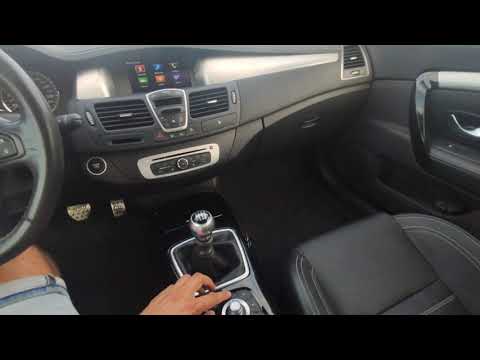
Renault Renault Various
On cars there is a system for restarting the R-Link system quickly when it shows anomalies in its operation. To implement it, all you have to do is p…

Renault Renault Various
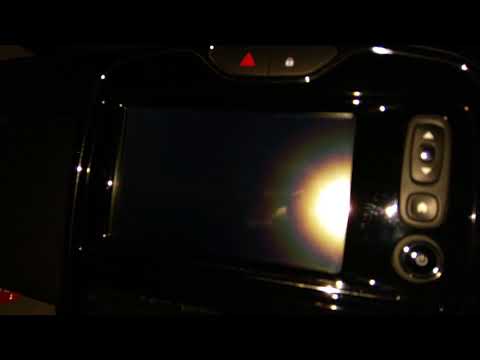
To reset the R-Link 2 system of Renault, you need to turn on the instrument panel by inserting the ignition key into the corresponding slot: then nav…
Renault Renault Various
.. it, located just above the power button of the R Link system. Press it quickly several times and wait for the R Link to restart automatically. At the.. …
Other guides you may be interested in
|
How to Remove the Original Stereo on a Ford Focus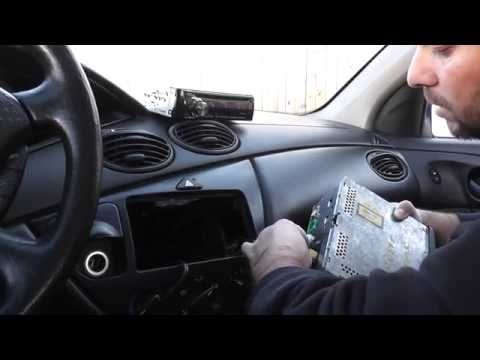
How to remove the original stereo on a Ford Focus? Follow these guidelines for the removal. Use the original or aftermarket metal keys to remove the stereo: insert the keys into the holes on the plastic cover of the stereo, pull the stereo towards you as shown in the video, and carefully extract the stereo while being mindful of the wiring (disconnect the power connectors and the antenna cable). Finally, reinstall the original stereo or a generic brand with the appropriate adapter for the connections. by ScegliAuto More videos
|
|
For advertising on this site Write to info@scegliauto.com
ScegliAuto is not responsible for any inaccuracy of the data in the lists. To report any inaccuracy or your business (if you own the business in question), please write to info@scegliauto.com
Number of seconds to generate the page: 0.044
(c) ScegliAuto 2026 - info@scegliauto.com - Privacy policy VAT number: IT01247470535 |
