
|
Do it yourself
| |||
| ||||


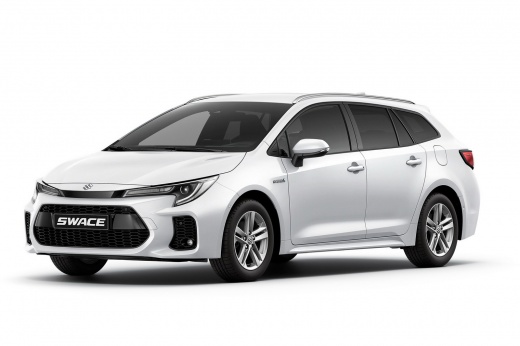
How to change the clock on the Suzuki Swace
Model: Suzuki Swace
MK 1
- Years:
2020, 2021, 2022, 2023, 2024, 2025, 2026
Video tutorial
Below we will see the instructions that will allow us to modify the clock on the central display of the Suzuki Swace, in simple steps. First, we get into the car and start the instrument panel; then we go to the settings and then to the date and time option, as shown in the video. At this point, we manually adjust the time, also setting the time format and date; we then set the correct time zone, finally exiting the menu settings to save the changes made to the clock!
Posted on 4 November 2025 by ScegliAuto
Related tutorials
Suzuki Swace
(2020-2026 /
MK 1)
In this tutorial, we will see how to replace the battery of the Suzuki Swace remote, a very simple and quick operation. To do this, we will need a sm…

Suzuki Swace
(2020-2026 /
MK 1)
In this guide, we will help you complete the manual reset procedure for the service light on your Suzuki Swace. First, enter the car and turn on the …

Suzuki Swace
(2020-2026 /
MK 1)
In this new mini guide for Suzuki Swace owners, discover how to manually reset the TPMS light related to tyre pressure. First, enter the cabin and st…
Other guides you may be interested in |
How to Disable the Passenger Airbag in a Mercedes A-Class?
You can disable the passenger airbag in the specified vehicle at your own risk using the vehicle's key. There is a switch next to the steering wheel, on the driver's side, at knee height, through which you can activate and deactivate the airbag. In the video provided, you can clearly see the procedure, noting how the airbag indicator light, along with a message, alerts the driver about the activation or deactivation status. by ScegliAuto More videos
|
|
For advertising on this site Write to info@scegliauto.com
ScegliAuto is not responsible for any inaccuracy of the data in the lists. To report any inaccuracy or your business (if you own the business in question), please write to info@scegliauto.com
Number of seconds to generate the page: 0.071
(c) ScegliAuto 2026 - info@scegliauto.com - Privacy policy VAT number: IT01247470535 |
