
|
Do it yourself
| |||
| ||||


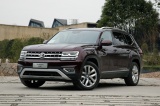
Search performed for Vw Atlas Screen Not Working
Vw Atlas Screen Not Working
How to Reset the Tire Light on a Volkswagen Atlas?
Volkswagen Atlas Terramont
(2017-2025 /
MK 1)
.. Resetting the tire light on a Volkswagen Atlas, as shown in this tutorial, is an extremely simple and quick operation. Before proceeding, ensure.. .. Then, access the settings menu through the touch screen. Select "Tires" and perform the reset using the "SET" option. Once you confirm the reset, you.. …

Volkswagen Atlas Terramont
(2017-2025 /
MK 1)
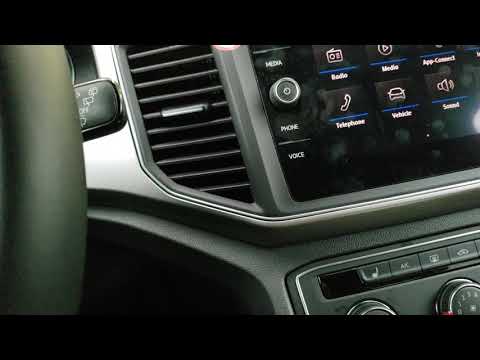
.. reset the infotainment system of the Volkswagen Atlas, you need to turn on the ignition by inserting the ignition key into the corresponding slot. Once.. .. button located at the bottom left of the central screen. After holding the button for about thirty seconds, you will see the screen turn off and then.. …

Volkswagen Atlas Terramont
(2017-2025 /
MK 1)
.. can see how to adjust the time in the Volkswagen Atlas, an extremely simple and quick operation, to be carried out for example after the switch to daylight.. .. Then we reach the general menu on the touchscreen display, enter "Settings", "Time and date", "Time", and adjust the clock according to our needs... …

Volkswagen Atlas Terramont
(2017-2025 /
MK 1)
.. will learn how to set the time in a Volkswagen Atlas, a very simple and quick operation to perform after replacing the battery or after the switch to.. .. Next, access the general menu on the touchscreen display, go to "Settings", then "Time and date", and select "Time" to adjust the clock as needed... …

Volkswagen Atlas Terramont
(2017-2025 /
MK 1)
.. oil light on the display of your Volkswagen Atlas instrument cluster, follow the steps in this mini guide. First, get in the car and turn on the.. …
|
|
|
For advertising on this site Write to info@scegliauto.com
ScegliAuto is not responsible for any inaccuracy of the data in the lists. To report any inaccuracy or your business (if you own the business in question), please write to info@scegliauto.com
Number of seconds to generate the page: 0.031
(c) ScegliAuto 2026 - info@scegliauto.com - Privacy policy - About us VAT number: IT01247470535 |
