
|
Do it yourself
| |||
| ||||


How to reset the MMI of an Audi A3
Model: Audi A3
8V, MK 3
- Years 2012-2019
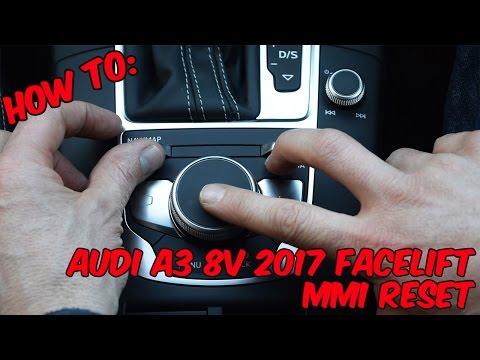
When the navigation system of the Audi A3 freezes irreparably, it is necessary to reset the system. To proceed with the reset, we must press and hold down the power button of the computer. The system will shut down and then turn back on to continue with the restoration in a semi-automatic way, you will then have to give commands by pressing the OK buttons to select the factory data reset option. Wait for the process to finish to complete the reset. Then set the previous values. This operation is the same also on Audi Q3 models produced from 2018 onwards.
Posted on 27 August 2024 by ScegliAuto
Video tutorial
Related tutorials
Audi A3
(2012-2019 /
8V, MK 3)
Resetting the MMI is extremely difficult to do on your own, as it requires specialized equipment and knowledge of the system. It is therefore necessa…
Audi A3
(2012-2019 /
8V, MK 3)
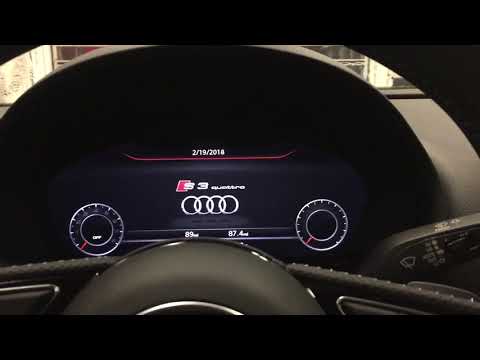
In this video we will see the procedure to reset the MMI system of our Audi A3. This acronym refers to the â € œMulti Media Interfaceâ € system, that…
Audi A3
(2012-2019 /
8V, MK 3)
In this tutorial we can see how to reset the MMI system of the Audi A3. This operation is necessary in case the system shows signs of malfunction, su…
Other guides you may be interested in |
Frequently Asked QuestionsRemoving the Timing Belt on a Suzuki Vitara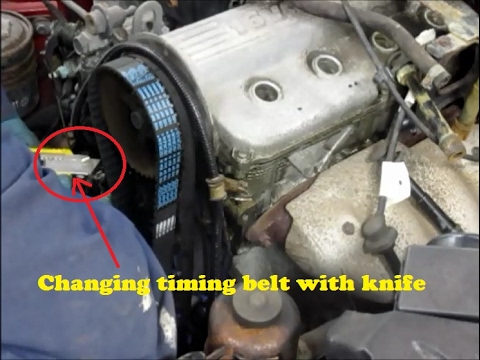
In this video, see the removal and replacement of the timing belt and water pump on a Suzuki Vitara. Open the bonnet and lift it, securing it in place. Use a socket wrench to remove the cooling radiator along with the associated hoses. Disconnect the power wiring using pliers, and remove the plastic undertray with a screwdriver. Use a spanner to loosen the tensioner pulley and slide the belt off its seat. Use a socket wrench to unscrew the tensioner pulley bolt, and remove the water pump as shown in the video. Fit the new water pump, the tensioner, and the belt itself, tightening everything with the socket wrench. Finally, reinstall the radiator with the securing bolts. by ScegliAuto More videos
|
|
For advertising on this site Write to info@scegliauto.com
ScegliAuto is not responsible for any inaccuracy of the data in the lists. To report any inaccuracy or your business (if you own the business in question), please write to info@scegliauto.com
Number of seconds to generate the page: 0.048
(c) ScegliAuto 2026 - info@scegliauto.com - Privacy policy VAT number: IT01247470535 |
