
|
Do it yourself
| |||
| ||||


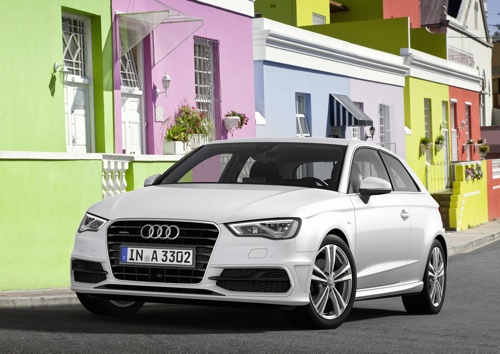
Can You Reset the MMI of the Audi A3 Yourself?
Model: Audi A3
8V, MK 3
- Years:
2012, 2013, 2014, 2015, 2016, 2017, 2018, 2019
Video tutorial
Resetting the MMI is extremely difficult to do on your own, as it requires specialized equipment and knowledge of the system. It is therefore necessary to go to an authorized Audi dealership or a service centre to have the system reset, as improper resetting of the MMI can cause problems with the vehicle. Although online guides for automatic resetting are available, it is always better to avoid getting into situations that could potentially damage the system and thus invalidate the warranty or authenticity of the vehicle.
Posted on 17 February 2026 by ScegliAuto
Related tutorials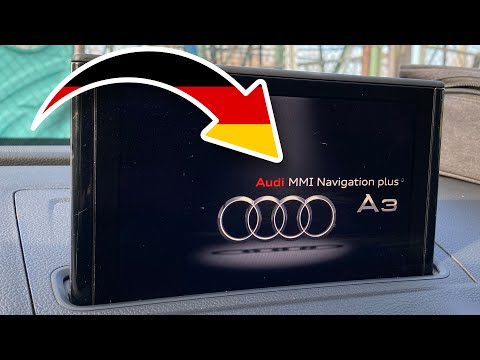
Audi A3
(2012-2019 /
8V, MK 3)
In this tutorial, we will see how to reset the MMI multimedia system in the Audi A3, a very simple and quick operation, which can be performed as a t…
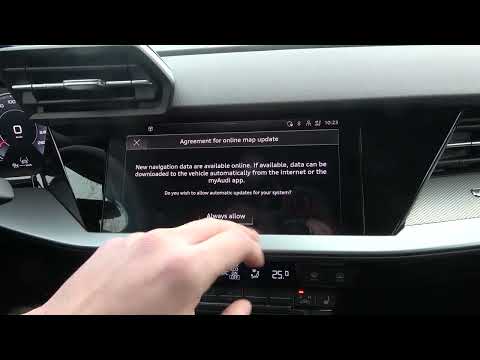
Audi A3
(2020-2026 /
MK 4, 8Y)
To reset the MMI system on an Audi A3, switch on the instrument cluster so you can operate the central display on the dashboard using the touchscreen…
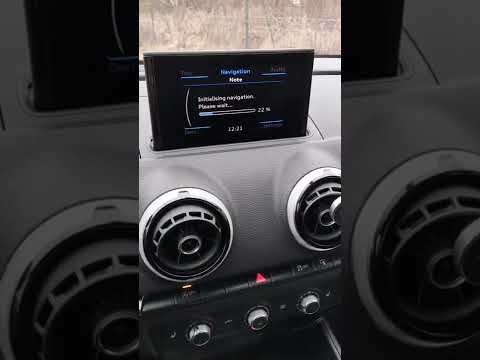
Audi A3
(2020-2026 /
MK 4, 8Y)
The Audi MMI (Multi Media Interface) system is a useful and effective system: it simplifies audio controls, vehicle settings, and navigation, all und…
Other guides you may be interested in |
How to reset the tyre pressure warning light on the Kia Niro EV?
To reset the tyre pressure warning light on the Kia Niro EV, inflate the tyres until they reach the correct pressure value. This value is indicated on the sticker attached to the driver's door pillar. Once the tyres are inflated, turn on the instrument cluster to check that the warning light has completely disappeared from the display. If it is still present, you may need to drive for a few miles to ensure it disappears completely from the screen. by ScegliAuto More videos
|
|
For advertising on this site Write to info@scegliauto.com
ScegliAuto is not responsible for any inaccuracy of the data in the lists. To report any inaccuracy or your business (if you own the business in question), please write to info@scegliauto.com
Number of seconds to generate the page: 0.010
(c) ScegliAuto 2026 - info@scegliauto.com - Privacy policy VAT number: IT01247470535 |
