
|
Do it yourself
| |||
| ||||


Odometer adjustments on the Citroen C4
Model: Citroen C4 Picasso
MK 1
- Years 2006-2013
In this video, we see how to make some adjustments on the Citroen C4: so let's turn on the dashboard. Currently, the dashboard is set to kilometers and fuel consumption is set to liters per hundred kilometers. If we want to modify these parameters, we move to the console and go to the menu button, then scroll until we reach the currently set value, which is liters per 100 km. If we scroll to the right, we still have the unit of measurement in kilometers and we will find the option km/liter. If we scroll to the left, we will have miles per gallon, and we will see that the speed and total distance are also in miles. We can easily change the settings at any time.
Posted on 24 November 2023 by ScegliAuto
Video tutorial
Related tutorials
Citroen C4 Picasso
(2013-2022 /
MK 2)
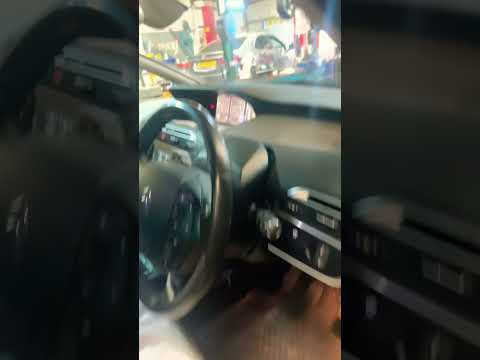
In order to reset the partial odometer of the Citroën C4 Picasso, you need to turn on the instrument panel by inserting the ignition key into the cor…
Citroen C4 Picasso
(2013-2022 /
MK 2)
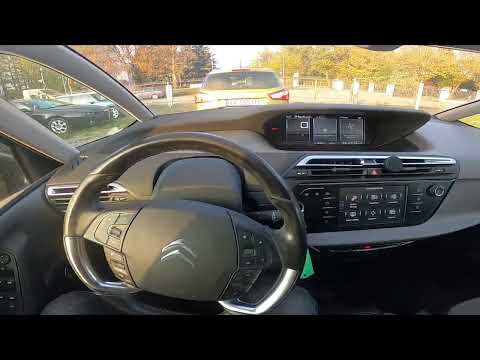
Today's guide will show us how to reset the tire pressure monitoring system (TPMS) of the Citroen C4 Picasso and C4 Grand Picasso; before performing …
Citroen C4 Picasso
(2013-2022 /
MK 2)
The hard reset is the procedure used to restore the car radio to its factory settings. It is usually performed when you intend to sell your car radio…
Other guides you may be interested in
|
How to Remove the Air Vents on Mercedes SLK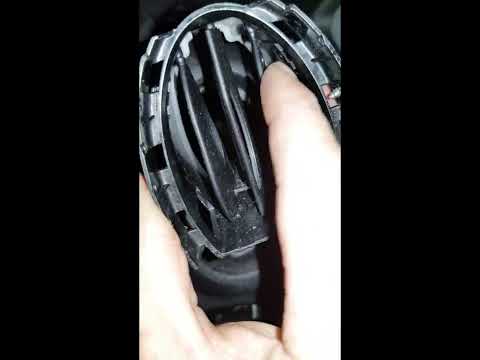
Learn how to remove the air vents on a Mercedes SLK. In this video, see how to proceed with the removal: using plastic levers, remove the cover located on the air vent at the side of the dashboard until it detaches. Finally, remove the air vent from the dashboard as shown in the video. To reassemble the various removed parts, reverse the disassembly steps. Perform the same operation to remove the vent located on the opposite side of the removed vent. by ScegliAuto More videos
|

|
For advertising on this site Write to info@scegliauto.com
ScegliAuto is not responsible for any inaccuracy of the data in the lists. To report any inaccuracy or your business (if you own the business in question), please write to info@scegliauto.com
Number of seconds to generate the page: 0.050
(c) ScegliAuto 2026 - info@scegliauto.com - Privacy policy VAT number: IT01247470535 |
