
|
Do it yourself
| |||
| ||||


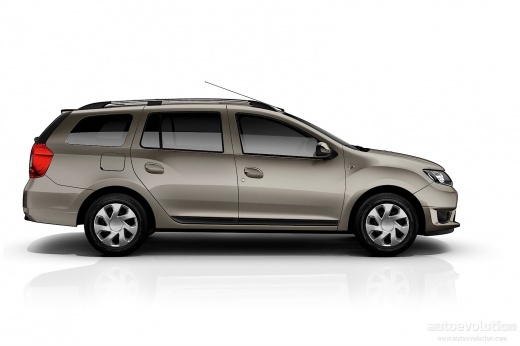
How do you reset the Service light on the Dacia Logan?
Model: Dacia Logan
MK 2
- Years:
2012, 2013, 2014, 2015, 2016, 2017, 2018, 2019, 2020, 2021, 2022
Video tutorial
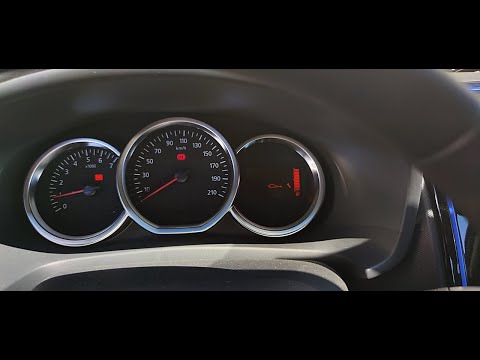
The Service light that appears on the instrument panel of the Dacia Logan can be reset by pressing the button located at the end of the lever to the right of the steering wheel: you will need to press the button until the icon of the car with the wrench next to it appears. Once this option is reached, you will need to hold down the button located on the right end of the steering wheel until the light stops flashing. Once the light is steady, you will notice that the maintenance interval has been reset and the Service light will have disappeared permanently.
Posted on 6 April 2025 by ScegliAuto
Related tutorials
Dacia Logan
(2012-2022 /
MK 2)
To clear the Service light on the Dacia Logan, connect a diagnostic tool to the vehicle's OBD port, located on the dashboard just below the steering …
Dacia Logan
(2012-2022 /
MK 2)
To reset the service light on the Dacia Logan, press the button located at the end of the lever to the right of the steering wheel: you need to press…

Dacia Logan
(2012-2022 /
MK 2)
From the instrument cluster of the Dacia Logan, you can clear the Service light by pressing the button located at the end of the lever on the right o…
Other guides you may be interested in
|
How to Activate Cruise Control on the Peugeot 3008
Today's steps will show you how to activate cruise control on the Peugeot 3008, following the instructions below. First, get into the vehicle and start the engine. To activate cruise control, you must reach a minimum speed. Then, activate cruise control using the central button on the left stalk, adjusting the speed with the buttons; use the dial to set the speed limit. Pressing the brake pedal will automatically disable the cruise control system. by ScegliAuto More videos
|
|
For advertising on this site Write to info@scegliauto.com
ScegliAuto is not responsible for any inaccuracy of the data in the lists. To report any inaccuracy or your business (if you own the business in question), please write to info@scegliauto.com
Number of seconds to generate the page: 0.036
(c) ScegliAuto 2026 - info@scegliauto.com - Privacy policy VAT number: IT01247470535 |
