
|
Do it yourself
| |||
| ||||


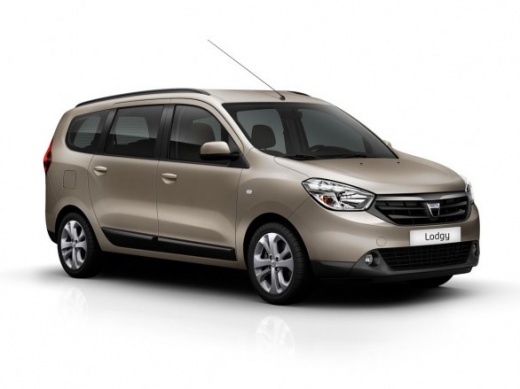
How to replace the horn on a Dacia Lodgy?
Model: Dacia Lodgy
MK 1
- Years:
2012, 2013, 2014, 2015, 2016, 2017, 2018, 2019, 2020, 2021, 2022
This video is currently unavailable
To replace the horn on a Dacia Lodgy, you need to remove the left indicator stalk: to do this, it will be necessary to unscrew the screws that secure the plastic covers of the steering column. These screws will be located at the bottom and top of the indicator stalk: once the covers are removed, you can unscrew the screws that secure the left stalk and disconnect its connector. After the part has been removed, you can insert a new one, allowing you to then install the plastic covers around the steering column.
Updated on 29 May 2026 by ScegliAuto
Related tutorials
Dacia Lodgy
(2012-2022 /
MK 1)
Have you encountered problems with the horn lever mounted on the indicator stalk of a Dacia Lodgy? Let’s see how to remove the part. First, disconnec…
Dacia Lodgy
(2012-2022 /
MK 1)
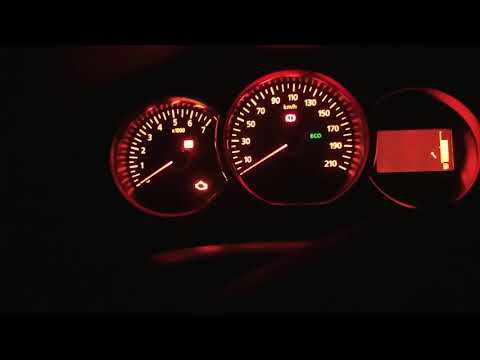
Resetting the service in the Dacia Lodgy is very simple. Follow this tutorial for the procedure, which is the same standard method used in all Dacia …
Dacia Lodgy
(2012-2022 /
MK 1)
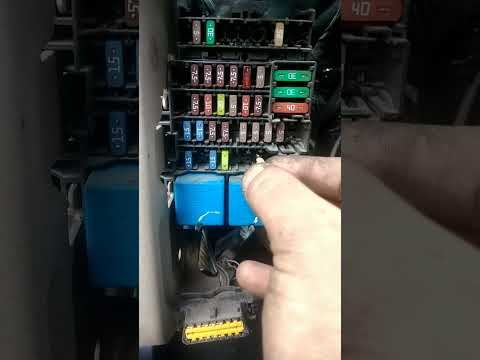
When the headlights or a single headlight of the Dacia Lodgy stop working, it is possible that the cause is a blown fuse. In these cases, replacement…
Other guides you may be interested in |
How to Reset the Tyre Pressure Light on a Cupra Formentor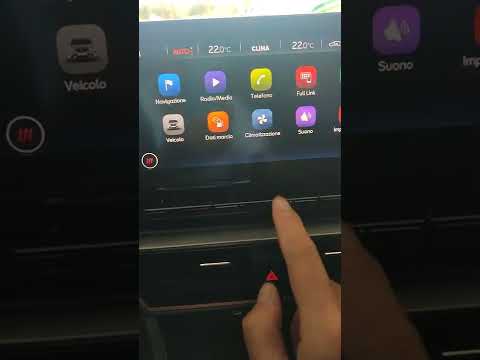
In this brief and simple video tutorial, learn how to reset the tyre pressure on a Cupra Formentor. Start by pressing the ignition button to turn on the instrument cluster. Now, use the touchscreen display on the central console to open the car menu. From here, select the driving data option, then the tyre pressure option. Now, click on the "SET" button with the pressure warning symbol and confirm the correct tyre pressure required by the manufacturer to perform the reset. by ScegliAuto More videos
|
|
For advertising on this site Write to info@scegliauto.com
ScegliAuto is not responsible for any inaccuracy of the data in the lists. To report any inaccuracy or your business (if you own the business in question), please write to info@scegliauto.com
Number of seconds to generate the page: 0.007
(c) ScegliAuto 2026 - info@scegliauto.com - Privacy policy VAT number: IT01247470535 |
