
|
Do it yourself
| |||
| ||||


Model: Ducati Diavel
To set the clock on the Ducati Diavel, turn on the instrument panel by turning the ignition key. Next, access the menu by pressing the appropriate button on the right side of the handlebars to navigate within it. Select the "Clock set" option: this will allow you to first select "Hour" and then "Minutes" to modify the hours and minutes respectively. Once the changes are made, return to the initial screen and finally turn off the panel by turning the ignition key.
Updated on 21 September 2026 by ScegliAuto
Video tutorial
Related tutorials
Diavel
Begin by pressing the button located on the front side of the key fob for your Ducati Diavel, which opens the physical key. Then, you need to prise o…
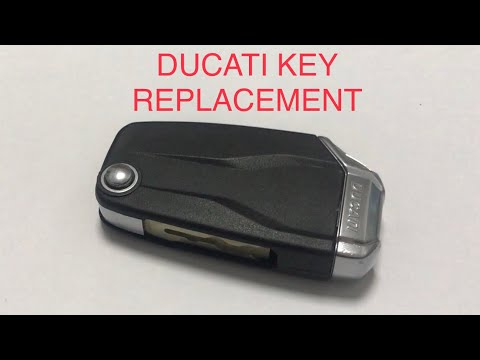
Diavel
Replacing the remote battery of the Ducati Diavel, as shown in this tutorial, is an extremely simple and quick operation. You will need a replacement…
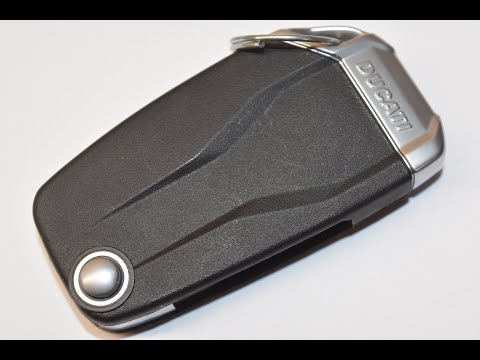
Diavel
In this tutorial, you will see how to replace the remote battery on the Ducati Diavel, a very simple and quick operation. You will need a replacement…
|
How to Change the Speed Unit on the Piaggio Mp3
If the speed displayed on your Piaggio Mp3 is in a unit of measurement different from your preference, simply follow this mini guide to change it independently. First, start this procedure with the bike completely off. Then, press and hold the "Mode" button on the right knob for about three seconds and turn on the display. Once done, press the "Mode" button again to switch between units (from Km/h to Mph or vice versa). Finally, hold down "Set" to save the changes. by ScegliAuto More videos
|
|
For advertising on this site Write to info@scegliauto.com
ScegliAuto is not responsible for any inaccuracy of the data in the lists. To report any inaccuracy or your business (if you own the business in question), please write to info@scegliauto.com
Number of seconds to generate the page: 0.984
(c) ScegliAuto 2026 - info@scegliauto.com - Privacy policy VAT number: IT01247470535 |
