
|
Do it yourself
| |||
| ||||


How to Install an LED Interior Light on a Fiat 500
Model: Fiat 500
312
- Years 2007-2024
In this video, you will learn how to change the bulb of the ceiling light in a Fiat 500 (or any vehicle from the Fiat/Lancia/Alfa Romeo group that has the same basic ceiling light with a single position and therefore a single bulb). You will need to remove the ceiling light by prying it with a plastic spatula to avoid scratching anything. There is a metal clip to detach to free the transparent part and remove the original halogen bulb. If you intend to keep it, be careful not to touch it with your hands. Replace it with an LED bulb, which you can easily obtain at a low cost from any e-commerce site. If it does not light up, you will need to reverse it, as this means it has polarity. Refit everything in place, and you're done.
Updated on 22 August 2026 by ScegliAuto
Video tutorial
Related tutorials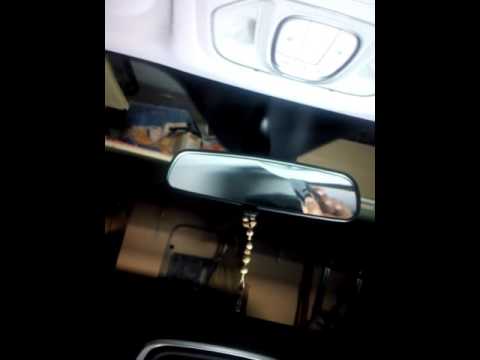
Fiat 500
(2014-2022 /
500 X)
In this short video, you will see how to remove the interior light fitting on your Fiat 500X. This operation is quite simple, and with a little effor…
Fiat 500
(2007-2022 /
)
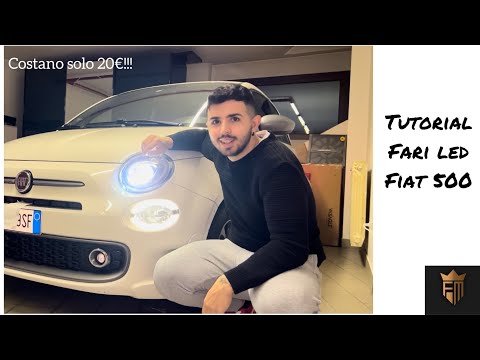
In this video tutorial, you will see how to install LED headlights in a Fiat 500 Sport. Lift the bonnet and secure it with the appropriate prop; proc…
Fiat 500
(2012-2023 /
500 L)
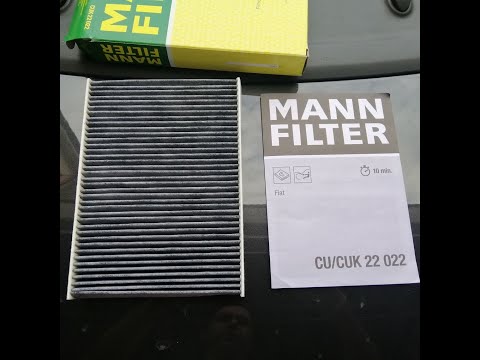
To replace the cabin filter on a Fiat 500L, position yourself in the front passenger seat and open the glove compartment in front of you. On the side…
Other guides you may be interested in |
Where is the Spare Wheel in the Peugeot 5008?
This video shows where the spare wheel is located in the Peugeot 5008 and how to access it, useful in case of a puncture. As shown, the wheel is not in the usual boot compartment but underneath it, outside the vehicle. To free the wheel, first gather the tools provided, then open the boot, locate the small indicated hatch, and open it. Next, loosen the bolt just released using the large socket wrench enough to lower the wheel to the ground. by ScegliAuto More videos
|
|
For advertising on this site Write to info@scegliauto.com
ScegliAuto is not responsible for any inaccuracy of the data in the lists. To report any inaccuracy or your business (if you own the business in question), please write to info@scegliauto.com
Number of seconds to generate the page: 1.234
(c) ScegliAuto 2026 - info@scegliauto.com - Privacy policy VAT number: IT01247470535 |
