
|
Do it yourself
| |||
| ||||


Model: Honda Hornet
Today, you will learn how to remove the handlebars and the brake and clutch levers from a second series Honda Hornet. First, extract the grips by removing the side balance weights, unscrewing the fixing screw, and then sliding off the grips, as shown in the video; then fit the new ones. Next, unscrew the brake lever bolt with a screwdriver and a 10 mm spanner, removing it; then, we just need to remove the clutch lever: to do this, unscrew the screw and the 10 mm nut found underneath and take it off, replacing everything!
Updated on 10 April 2026 by ScegliAuto
Video tutorial
Related tutorials
Hornet
Before starting, place your Honda Hornet on the side stand. Begin by removing the left side fairing by unscrewing the fastening screws. Next, unscrew…

Hornet
Today, you will learn how to remove the radiator from a Honda Hornet, in all available displacements. First, unscrew all the radiator mounting bolts …

Hornet
You can replace the engine oil on the Honda Hornet 750 by loosening the drain plug located at the central lower part of the vehicle: once removed, yo…
|
How to Replace and Install the Front Wheel on a Beta RR 300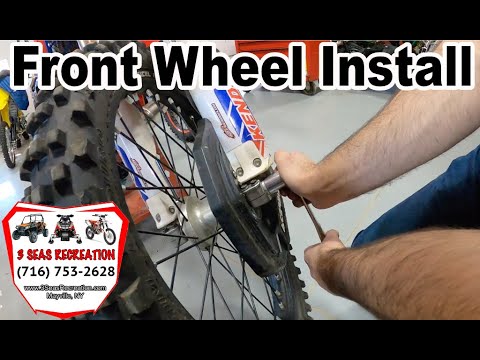
Today, we will go through the instructions to install or replace the front wheel on the Beta RR 300 enduro bike by following these simple steps. First, place your bike on a stand and lift the front wheel off the ground. Next, unscrew the fixing bolts of the front brake caliper to remove it. At this point, unscrew the central axle of the wheel, removing and possibly replacing the tyre. Then, tighten the fork nuts and reassemble everything by reversing the disassembly procedure! by ScegliAuto More videos
|
|
For advertising on this site Write to info@scegliauto.com
ScegliAuto is not responsible for any inaccuracy of the data in the lists. To report any inaccuracy or your business (if you own the business in question), please write to info@scegliauto.com
Number of seconds to generate the page: 0.008
(c) ScegliAuto 2026 - info@scegliauto.com - Privacy policy VAT number: IT01247470535 |
