
|
Do it yourself
| |||
| ||||


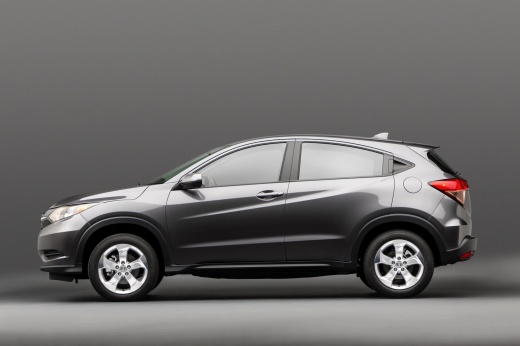
How to reset the tire pressure light on the Honda HR-V?
Model: Honda Hr V
RU, MK 2
- Years:
2016, 2017, 2018, 2019, 2020, 2021, 2022
Video tutorial
Resetting the tire pressure light in the Honda HR-V, as we can see in this tutorial, is an extremely simple and quick operation. Before proceeding, we must have restored the correct pressure of each tire following the instructions in the manual. First, let's go inside the cabin, then insert the key and turn on the instrument panel. Next, scroll through the various options on the display using the directional controls on the steering wheel, enter "Vehicle Settings", "TPMS Calibration", and perform the reset by selecting "Calibrate". To complete the procedure, simply restart the instrument panel.
Posted on 4 March 2025 by ScegliAuto
Related tutorials
Honda Hr V
(2016-2022 /
RU, MK 2)
Resetting the tyre warning light on a Honda HR-V, as shown in this tutorial, is an extremely simple and quick operation. Before doing this, ensure yo…
Honda Hr V
(2016-2022 /
RU, MK 2)
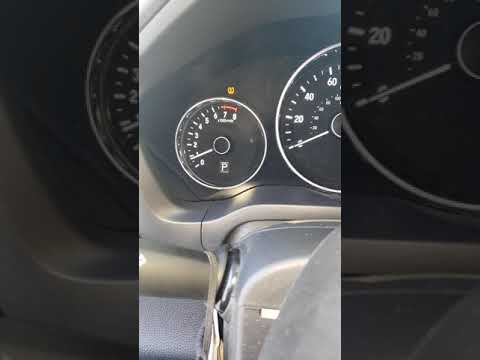
Resetting the tyre pressure light on a Honda HR-V, as shown in this tutorial, is an extremely simple and quick operation. Before proceeding, ensure y…
Honda Hr V
(2016-2022 /
RU, MK 2)
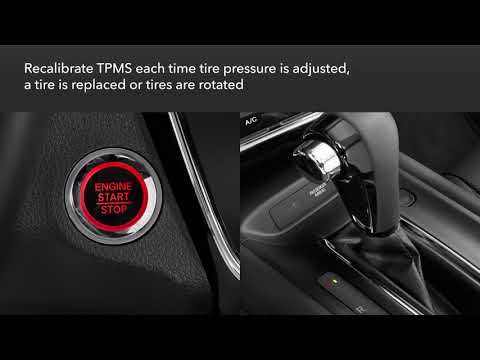
As shown in this tutorial, resetting the tyre warning light on a Honda HR-V is an extremely simple and quick operation. Before proceeding, ensure tha…
Other guides you may be interested in
|
How to Activate Cruise Control on the Peugeot 3008
Today's steps will show you how to activate cruise control on the Peugeot 3008, following the instructions below. First, get into the vehicle and start the engine. To activate cruise control, you must reach a minimum speed. Then, activate cruise control using the central button on the left stalk, adjusting the speed with the buttons; use the dial to set the speed limit. Pressing the brake pedal will automatically disable the cruise control system. by ScegliAuto More videos
|
|
For advertising on this site Write to info@scegliauto.com
ScegliAuto is not responsible for any inaccuracy of the data in the lists. To report any inaccuracy or your business (if you own the business in question), please write to info@scegliauto.com
Number of seconds to generate the page: 0.341
(c) ScegliAuto 2026 - info@scegliauto.com - Privacy policy VAT number: IT01247470535 |
