
|
Do it yourself
| |||
| ||||


How to Connect Your Smartphone to the Honda BR-V via Bluetooth
Model: Honda Br V
DG3
- Years 2021-2026
To connect your smartphone to the radio of your new Honda BR-V, carefully read the following guide and follow the steps described. First, turn on the instrument cluster and the radio so you can use the central touch-screen display. Go to the settings and access the "Bluetooth settings" menu. Click on "Connect phone," enable Bluetooth on your smartphone, and pair the two devices. Once the operation is confirmed, you can enjoy various features including playing music, answering calls, and more.
Updated on 22 May 2026 by ScegliAuto
Video tutorial
Related tutorials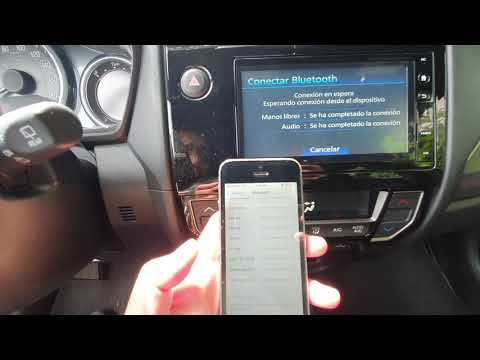
Honda Br V
(2021-2026 /
DG3)
In this video, see how to connect to the Bluetooth system of the Honda BR-V: you can connect up to 5 devices to this system; if you want to connect a…
Honda Br V
(2021-2026 /
DG3)
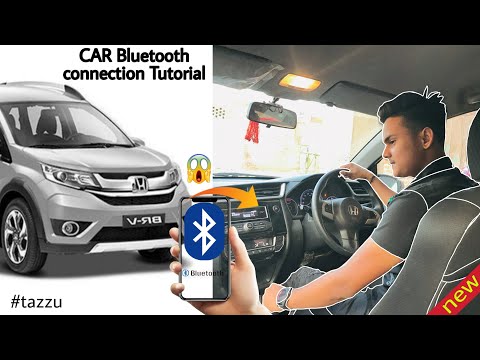
Connecting the Bluetooth of the Honda BR-V is a very simple operation that you can perform independently. With the help of our short video tutorial, …
Honda Br V
(2016-2021 /
DG1, DG2)
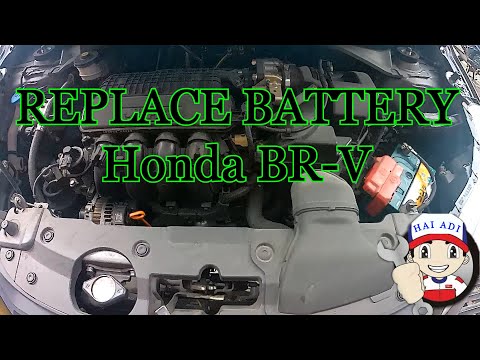
Follow this guide for the main steps to remove and replace the battery in a Honda BR-V. First, open the hood of your car and start loosening the two …
Other guides you may be interested in
|
How to Replace the External Wing Mirror on a Ford C MAX
In the event of a breakage, it will be necessary to replace the external wing mirror on the 2011 Ford C MAX. This operation is easily performed independently. Start by removing the internal cover of the mirror with a plastic lever. Then, use a socket wrench to remove the securing pins. Once the pins are removed, you can take off the mirror, but not before disconnecting the power connectors. Then proceed to fit the new mirror. First, connect the connectors and then secure the mirror to its housing with the pins. Refit the plastic cover and test the operation of the electric mirror using the controls. by ScegliAuto More videos
|
|
For advertising on this site Write to info@scegliauto.com
ScegliAuto is not responsible for any inaccuracy of the data in the lists. To report any inaccuracy or your business (if you own the business in question), please write to info@scegliauto.com
Number of seconds to generate the page: 0.787
(c) ScegliAuto 2026 - info@scegliauto.com - Privacy policy VAT number: IT01247470535 |
