
|
Do it yourself
| |||
| ||||


How to Connect Bluetooth on a Honda BR-V
Model: Honda Br V
DG3
- Years 2021-2026
In this video, see how to connect to the Bluetooth system of the Honda BR-V: you can connect up to 5 devices to this system; if you want to connect a sixth device, it is possible but a bit complicated, and we will show you how to do it. You will need to disconnect one. Remove the one that is least suitable based on your needs and those of your family, then add the new one by turning on Bluetooth on the device and identifying it from the car audio, matching the code on both devices. In the same way, you can add and remove a device according to your needs at any time, allowing you to always add one more if needed.
Updated on 25 August 2026 by ScegliAuto
Video tutorial
Related tutorials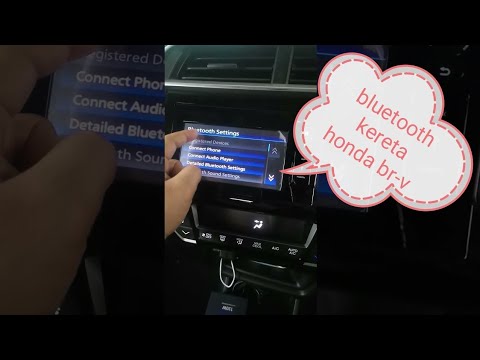
Honda Br V
(2021-2026 /
DG3)
To connect your smartphone to the radio of your new Honda BR-V, carefully read the following guide and follow the steps described. First, turn on the…
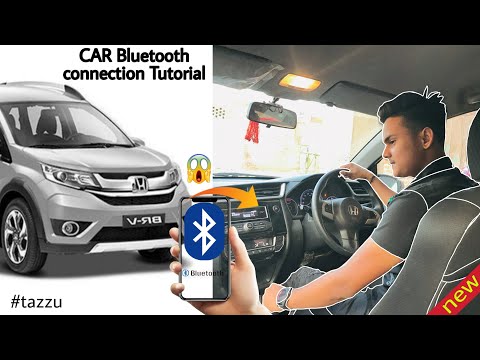
Honda Br V
(2021-2026 /
DG3)
Connecting the Bluetooth of the Honda BR-V is a very simple operation that you can perform independently. With the help of our short video tutorial, …
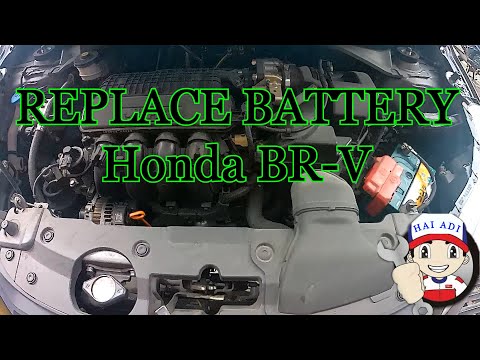
Honda Br V
(2016-2021 /
DG1, DG2)
Follow this guide for the main steps to remove and replace the battery in a Honda BR-V. First, open the hood of your car and start loosening the two …
Other guides you may be interested in
|
How to Set the Clock on the Opel Zafira
Setting the clock to the current Italian time on an Opel Zafira model B is a very simple operation, also made easier by our short instructional video. The first step is to turn on the instrument panel and then press the SETTING button located on the central dashboard. Once inside the menu, use the buttons to navigate to the clock setting. Adjust the hours and minutes and restart the instrument panel. If the clock does not update, it may be necessary to diagnose the radio or the vehicle's control unit. by ScegliAuto More videos
|
|
For advertising on this site Write to info@scegliauto.com
ScegliAuto is not responsible for any inaccuracy of the data in the lists. To report any inaccuracy or your business (if you own the business in question), please write to info@scegliauto.com
Number of seconds to generate the page: 0.057
(c) ScegliAuto 2026 - info@scegliauto.com - Privacy policy VAT number: IT01247470535 |
