
|
Do it yourself
| |||
| ||||


How to Change the Rear Shock Absorbers on a Citroen C3 II
Model: Citroen C3
SC
- Years 2009-2016
Let's see how to replace the rear shock absorbers on a Citroen C3 II: loosen the bolts of the rear wheels, then lift the car and place it on axle stands. Using a Torx 20 key, remove the rear wheel arch liner, taking care not to break the plastic clips. Remove the lower shock absorber bolt with a socket and Torx E16 insert, and the upper one with a 16 mm socket, then take out the old shock absorber. You can find a pair of new shock absorbers on eBay with code 277274029931 for £33.56 plus £40.00 shipping. Prime the new shock absorber by pressing the rod vertically several times to reposition the gas, then secure the lower arm, compress the shock absorber, and align it with the upper mount. Tighten the two mounts without fully securing them, then lift the rear axle and tighten the bolts to 50 Nm. Refit the wheel arch liners, reassemble the wheel, and with the car on the ground, tighten the bolts in a criss-cross pattern.
Posted on 28 March 2026 by ScegliAuto
Video tutorial
Related tutorials
Citroen C3
(2002-2009 /
FC, FN)
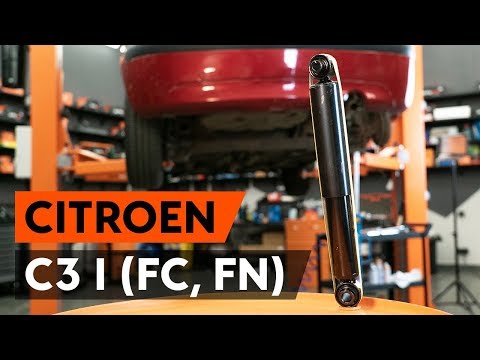
In this tutorial, see how to replace the rear shock absorbers on a Citroen C3, a very simple and quick operation. First, lift the side you will be wo…
Citroen C3
(2002-2009 /
FC, FN)
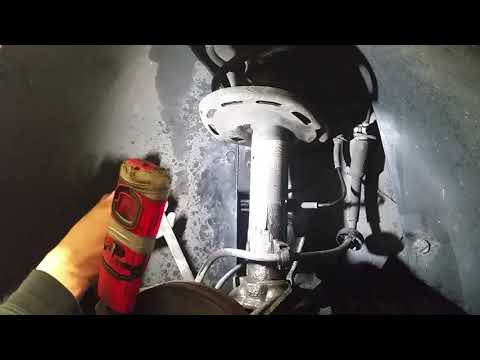
In this video, you will learn how to remove and replace the rear shock absorbers on a first-generation Citroen C3. First, loosen the wheel bolts and …
Citroen C3
(2009-2016 /
SC)
Replacing the front shock absorber on your car? Let's see how to fit the shock absorbers on a Citroen C3. Lift the car on a column lift and remove th…
Other guides you may be interested in
|
How to Change the System Language of the Opel Corsa F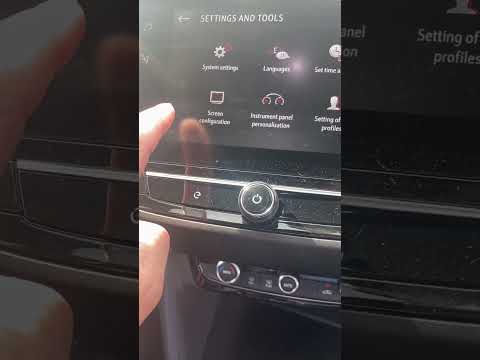
If you own an Opel Corsa F (2019-2023) and want to learn how to change the system language, read this guide carefully and follow the instructions. First, enter the cabin and start both the instrument cluster and the central display. Then, click on the settings icon and select "Options". Next, choose "Languages" and scroll through the list until you find your preferred language. Select it and finally exit the menu to save the changes. by ScegliAuto More videos
|

|
For advertising on this site Write to info@scegliauto.com
ScegliAuto is not responsible for any inaccuracy of the data in the lists. To report any inaccuracy or your business (if you own the business in question), please write to info@scegliauto.com
Number of seconds to generate the page: 0.123
(c) ScegliAuto 2026 - info@scegliauto.com - Privacy policy VAT number: IT01247470535 |
