
|
Do it yourself
| |||
| ||||


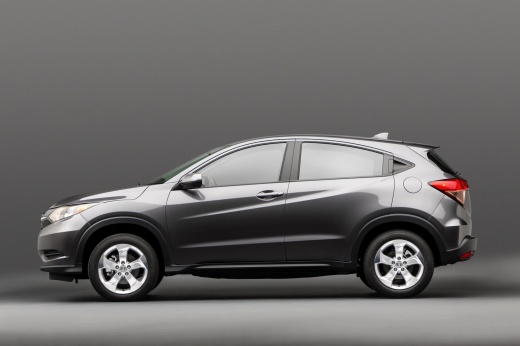
How to reset the service light in the Honda HR-V?
Model: Honda Hr V
RU, MK 2
- Years:
2016, 2017, 2018, 2019, 2020, 2021, 2022
Video tutorial
In this tutorial, you will learn how to reset the service light in the Honda HR-V, a very simple and quick operation to be carried out only after completing all required scheduled maintenance tasks. Start by entering the cabin, then insert the key and turn on the instrument cluster. Next, navigate to the "Vehicle info" section using the directional buttons located at the bottom right of the steering wheel, select "Maintenance info" and perform the reset using the appropriate option. To complete the procedure, simply restart the ignition.
Updated on 12 September 2026 by ScegliAuto
Related tutorials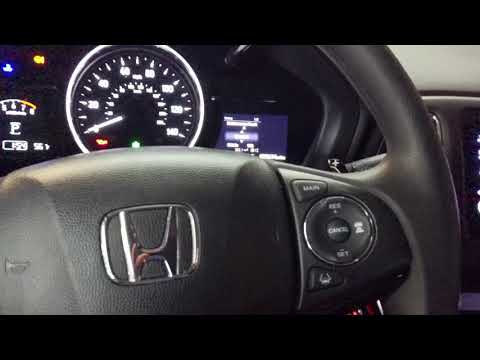
Honda Hr V
(2016-2022 /
RU, MK 2)
This tutorial explains how to reset the oil service light on a Honda HR-V, a very simple and quick operation to perform only after completing all sch…

Honda Hr V
(2016-2022 /
RU, MK 2)
In this tutorial we can see how to reset the service in the Honda HR-V, an extremely simple and quick operation, to be carried out only once all sche…

Honda Hr V
(2016-2022 /
RU, MK 2)
In this tutorial we can see how to reset the service in the Honda HR-V, an extremely simple and quick operation, to be carried out only after complet…
Other guides you may be interested in
|
How to unlock the radio of the Iveco Daily
When an Iveco Daily displays the radio error message or prompts to enter the radio code, it means you need to enter the unlock code to resume using the radio. This situation occurs after replacing or disconnecting the vehicle's battery. Enter the unlock code, which can be found in the vehicle's user manual or calculated through the "radio code" website. Input the code using the numeric buttons and then confirm by pressing the OK button. Once this is done, turn off and then turn on the ignition. by ScegliAuto More videos
|
|
For advertising on this site Write to info@scegliauto.com
ScegliAuto is not responsible for any inaccuracy of the data in the lists. To report any inaccuracy or your business (if you own the business in question), please write to info@scegliauto.com
Number of seconds to generate the page: 0.102
(c) ScegliAuto 2026 - info@scegliauto.com - Privacy policy VAT number: IT01247470535 |
