
|
Do it yourself
| |||
| ||||


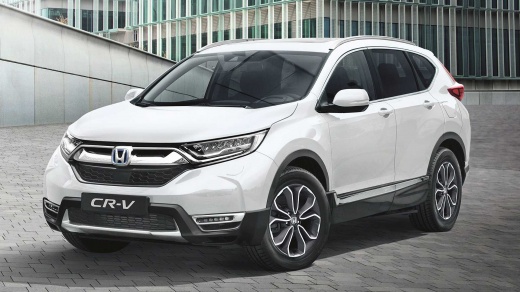
How to Reset the Tyre Warning Light on a Honda CR-V
Model: Honda CR-V
MK 5
- Years:
2017, 2018, 2019, 2020, 2021, 2022
Video tutorial
In this tutorial, we will see how to reset the tyre warning light on a Honda CR-V, a very simple and quick operation to perform only after restoring the correct tyre pressure as indicated in the manual. First, go inside the vehicle, then insert the key and turn on the instrument panel. Next, locate the button representing the warning light on the left switch panel of the dashboard, and hold it down until the light disappears from the panel. To complete the procedure, simply restart the vehicle.
Updated on 9 October 2026 by ScegliAuto
Related tutorials
Honda CR-V
(2023-2026 /
MK 6, RS)
Today we will discover the instructions on how to reset the tire pressure warning light on the Honda CR-V; before resetting the TPMS sensors, it is n…

Honda CR-V
(2007-2012 /
MK 3)
On the instrument panel of the Honda CR-V, the tire pressure warning light that is displayed can be reset by inflating the tires until they reach the…
Honda CR-V
(2017-2022 /
MK 5)
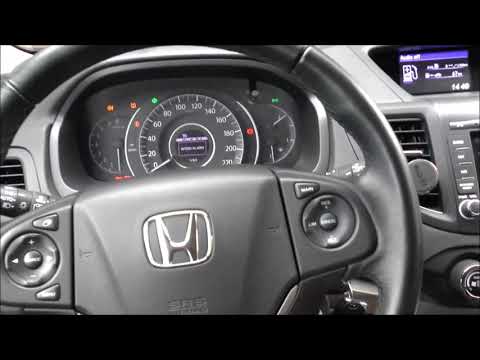
To reset the tyre pressure light on a Honda CR-V, ensure all tyres are inflated to the recommended pressure. Once done, enter the cabin and turn on t…
Other guides you may be interested in
|
How to reset the Service light on a 2019 Jeep Renegade?
The Service light, depicted as a yellow spanner, illuminates as scheduled to remind the driver that it is time for scheduled maintenance. This means that the set mileage has been reached, or the expected time has passed. The procedure involves turning on the instrument cluster, pressing the accelerator three times, and then turning off the ignition. After this, keep the brake pressed, turn the ignition back on, and then turn it off again. Upon the next ignition, you will notice that the light has been reset. by ScegliAuto More videos
|
|
For advertising on this site Write to info@scegliauto.com
ScegliAuto is not responsible for any inaccuracy of the data in the lists. To report any inaccuracy or your business (if you own the business in question), please write to info@scegliauto.com
Number of seconds to generate the page: 0.093
(c) ScegliAuto 2026 - info@scegliauto.com - Privacy policy VAT number: IT01247470535 |
