
|
Do it yourself
| |||
| ||||


Infiniti QX55 - Video guides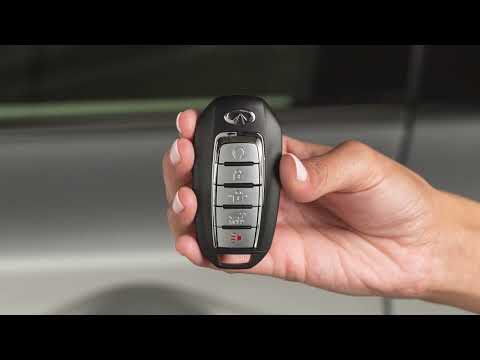 Infiniti QX55 (2021-2026 / P71a)
How to Replace the Key Battery in Your Infiniti QX55 If the smart key for your new Infiniti QX55 has suddenly stopped working, it is likely time to replace the battery inside. Below, we will discover how to …Read all… Posted on 26 July 2026 by ScegliAuto 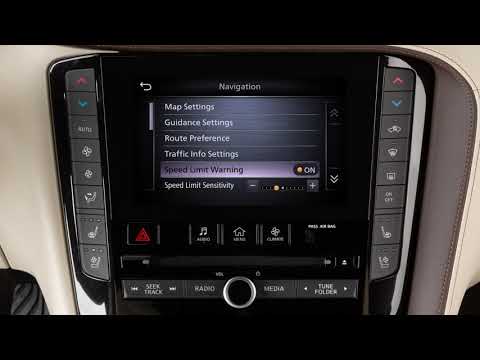 Infiniti QX55 (2021-2026 / P71a)
How to change navigation settings on the Infiniti QX55? You can modify the navigation settings on the Infiniti QX55 directly from the touchscreen display. To access these options, first press the virtual "Menu" …Read all… Posted on 26 July 2026 by ScegliAuto 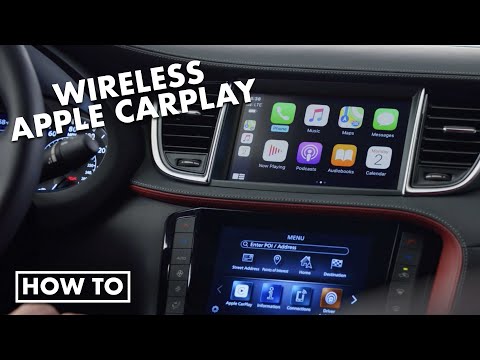 Infiniti QX55 (2021-2026 / P71a)
How to Use Apple CarPlay in the Infiniti QX55 In today's video, you will see how the wireless Apple CarPlay system works in the Infiniti QX55. This tutorial also applies to other models from the Japanese …Read all… Posted on 18 July 2026 by ScegliAuto 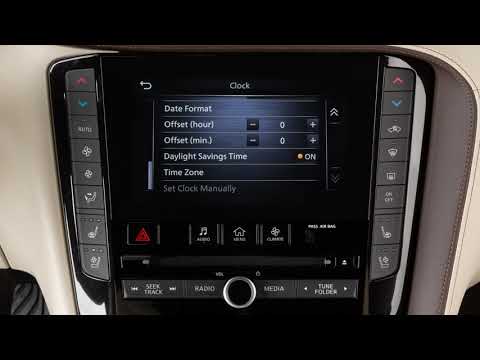 Infiniti QX55 (2021-2026 / P71a)
How to Set the Clock on an Infiniti QX55? To access the clock settings, turn on the radio and click the "menu" button on the touchscreen display. From the various options that appear, select "settings" …Read all… Posted on 17 July 2026 by ScegliAuto 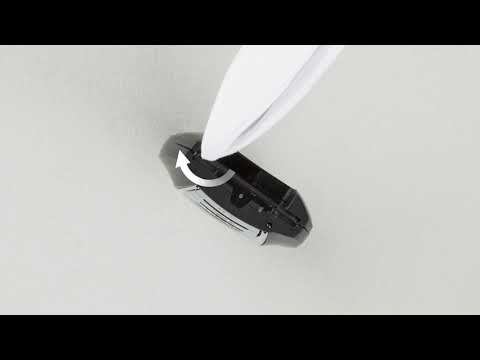 Infiniti QX55 (2021-2026 / P71a)
How to Replace the Remote Battery of the Infiniti QX55 To replace the battery of the Infiniti QX55 remote, move the switch located on the back of the device; this will allow you to pull out the emergency key from …Read all… Posted on 4 September 2026 by ScegliAuto 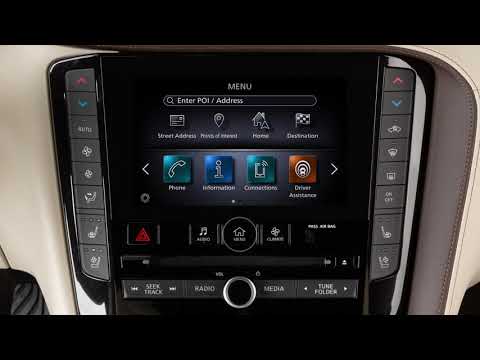 Infiniti QX55 (2021-2026 / P71a)
How to Perform a System Update on the Infiniti QX55 Radio? Keeping the operating system of your latest generation radio updated is essential to maintain optimal performance and resolve any operational issues. To …Read all… Posted on 28 August 2026 by ScegliAuto  Infiniti QX55 (2021-2026 / P71a)
How to Activate the Virtual Display on the Infiniti QX55 In this guide, let's see how to activate the virtual display for the driver in the Infiniti QX55 by following these simple and quick steps. First, get in the …Read all… Posted on 18 August 2026 by ScegliAuto 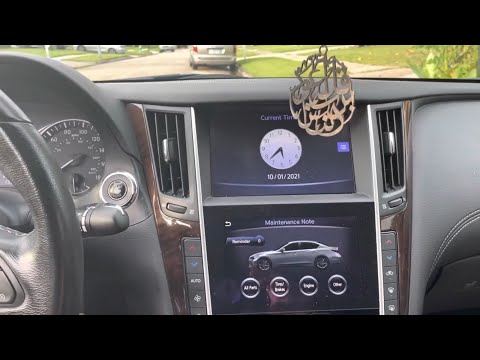 Infiniti QX55 (2021-2026 / P71a)
How to Reset the Service Light on the Infiniti QX55? Resetting the service light on the Infiniti QX55, as shown in this tutorial, is an extremely simple and quick operation. Before proceeding, ensure that you …Read all… Posted on 25 July 2026 by ScegliAuto  Infiniti QX55 (2021-2026 / P71a)
How Intelligent Cruise Control Works on an Infiniti QX55 How ProPilot Assist works on an Infiniti QX55. When traffic is flowing smoothly, you can use the driver assist. Stay centered in your lane. Press the button on …Read all… Posted on 25 July 2026 by ScegliAuto  Infiniti QX55 (2021-2026 / P71a)
How to Replace the Air Filter on an Infiniti QX55 Follow these steps to replace the air filter: open the hood and locate the box containing the air filter, which is found at the top of the engine compartment …Read all… Posted on 10 July 2026 by ScegliAuto
Car stereo (1)
Key (2)
Onboard computer (1)
Checks and maintenance (3)
Air filter (1)
Clock (1)
Service warning light (1)
|
See also:How to Connect the Cables to the Battery of the Citroen Xsara Picasso?
In this tutorial, you will see how to connect the cables to the battery of the Citroen Xsara Picasso, useful if you need to recharge it or perform an emergency start. First, ensure the key is not inserted, then open the bonnet and move to the front of the left headlamp. Next, locate the bolt just behind the filter box and connect the positive terminal clamp to it. Now you can connect the negative terminal to any point on the chassis, such as the indicated point. Once the operation is complete, ensure you disconnect the negative first and then the positive. by ScegliAuto More videos
|
|
For advertising on this site Write to info@scegliauto.com
ScegliAuto is not responsible for any inaccuracy of the data in the lists. To report any inaccuracy or your business (if you own the business in question), please write to info@scegliauto.com
Number of seconds to generate the page: 0.011
(c) ScegliAuto 2026 - info@scegliauto.com - Privacy policy VAT number: IT01247470535 |
