
|
Do it yourself
| |||
| ||||


|
Model: Kymco Downtown 300i
In this video we see how to disassemble the rear tire of the Kymco Downtown 300. We start by removing the exhaust cover and then the exhaust itself. We then have to remove the brake caliper and the support bracket, and finally the pin that supports the wheel inside, without neglecting the rear shock absorber. We see all the steps taken by the youtuber in the video, who does not forget to show us anything, so that we can be perfectly able to reproduce it ourselves. At this point, the entire bracket on the front of the wheel can be removed. We remove the protection covering the wheel from above, remove the spacer, and by moving the shock absorber, we are now able to remove the wheel. It is not a difficult job, but it requires a lot of attention.
Posted on 4 July 2025 by ScegliAuto
Video tutorial
Related tutorials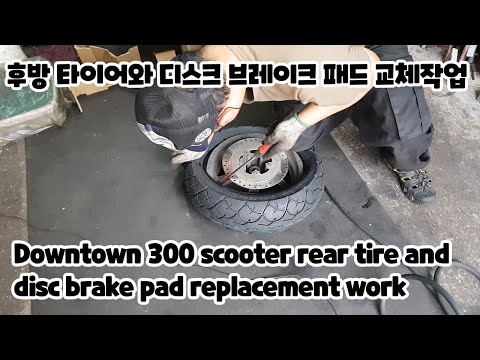
Downtown 300i
In this video tutorial, you will learn how to remove the rear wheel and replace the brake disc and pads on the Kymco Downtown 300 scooter in simple s…

Downtown 300i
In order to replace the air filter of the Kymco Downtown 300, you need to loosen the screws that secure the panel on the left side of the motorcycle,…

Downtown 300i
In this tutorial, you will see how to check the coolant level on the Kymco Downtown 300 scooter, a very simple and quick operation to perform periodi…
|
How to Remove the Engine from the Piaggio Vespa GTS 250 - 300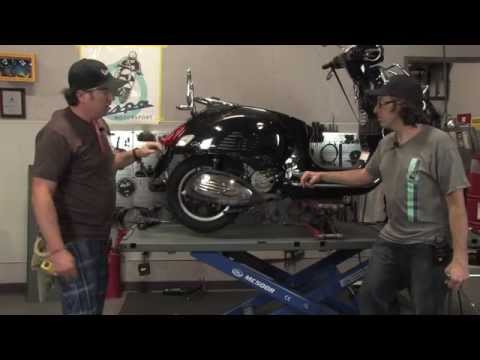
In this guide, you will learn how to remove the engine block from the body of the Piaggio Vespa GTS 250 and GTS 300. First, place your scooter on the centre stand and begin by removing the exhaust silencer by unscrewing the bolts; then, unscrew the central bolt of the wheel hub and remove the entire wheel, as shown in the video. At this point, disconnect the suspension from the engine block by detaching the fuel lines and various wiring; then, remove the engine block, applying the reverse procedure for reassembly! by ScegliAuto More videos
|
|
For advertising on this site Write to info@scegliauto.com
ScegliAuto is not responsible for any inaccuracy of the data in the lists. To report any inaccuracy or your business (if you own the business in question), please write to info@scegliauto.com
Number of seconds to generate the page: 0.008
(c) ScegliAuto 2026 - info@scegliauto.com - Privacy policy VAT number: IT01247470535 |
