
|
Do it yourself
| |||
| ||||


Model: Kymco S400
Today we will explain how to connect the Kymco S400 scooter to the onboard computer using the "KYMCO2" app, which can be downloaded on all Android and Apple phones. Let's start by opening the app on our phone and then selecting the icon at the bottom left with the helmet symbol. Confirm by pressing OK, as soon as the message "Pair a scooter" appears, turn on the instrument panel and press the orange button within 3 seconds. Wait for the scooter to complete the pairing and select "Confirm" from the onboard computer. In the app, select the "PAIR" option and wait for the phone and scooter to connect.
Posted on 11 July 2024 by ScegliAuto
This video is currently unavailable
Related tutorials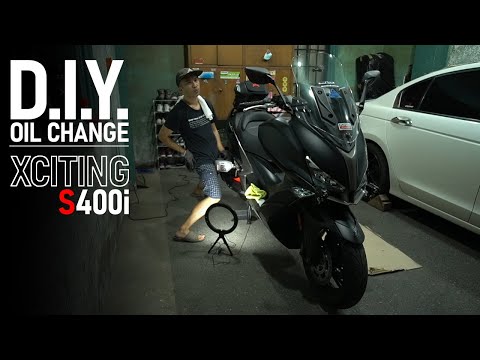
Xciting S 400i
In today's video tutorial, you will learn how to perform routine maintenance by changing the oil on a Kymco Xciting S400 injection scooter. First, po…

(Various brands) Various
Although replacing the spark plug of the Kymco Xciting S400 may seem like a lengthy task to do on your own, the process, while laborious, is very sat…

Citroen C4 Picasso
(2013-2022 /
MK 2)
Connecting your phone to the onboard computer of the Citroen C4 Picasso is a simple and quick operation that you can do independently. To connect the…
|
How to Remove the Front Wheel of a Vespa LX 125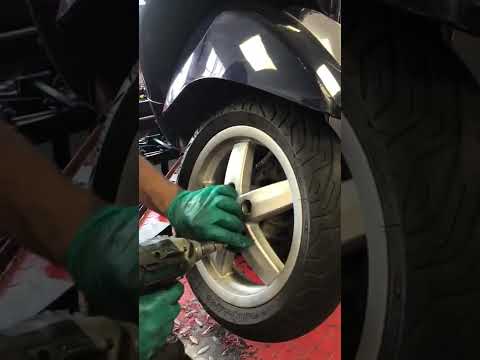
To correctly remove the front wheel of your Vespa LX 125, follow these few simple steps outlined in this guide. Before starting, ensure you have a battery-powered screwdriver available. Next, completely turn off your Vespa LX 125 and preferably leave it in an elevated position. At this point, use your battery-powered screwdriver to remove all the screws on the rim. Once done, gently pull the front wheel towards you to fully detach it. by ScegliAuto More videos
|
|
For advertising on this site Write to info@scegliauto.com
ScegliAuto is not responsible for any inaccuracy of the data in the lists. To report any inaccuracy or your business (if you own the business in question), please write to info@scegliauto.com
Number of seconds to generate the page: 0.252
(c) ScegliAuto 2026 - info@scegliauto.com - Privacy policy VAT number: IT01247470535 |
