
|
Do it yourself
| |||
| ||||


How to reset the AdBlue warning light on the Maxus T60 pick-up?
Model: Maxus T60
MK 1
- Years 2016-2024
If the AdBlue light has turned on in the instrument panel of our Maxus T60 pick-up truck, it means that the liquid of the anti-pollution system has reached the minimum level and, consequently, it will need to be topped up. This is an extremely simple and quick operation, let's see how to proceed in this tutorial. First of all, we buy a 10-liter urea tank from an auto parts store, then make sure the engine is off and open the fuel door. Then we unscrew the blue cap, insert the tank's tube into the hole, and pour in the necessary amount of liquid to reach the maximum level.
Posted on 14 April 2025 by ScegliAuto
Video tutorial
Related tutorials
Maxus T60
(2016-2024 /
MK 1)
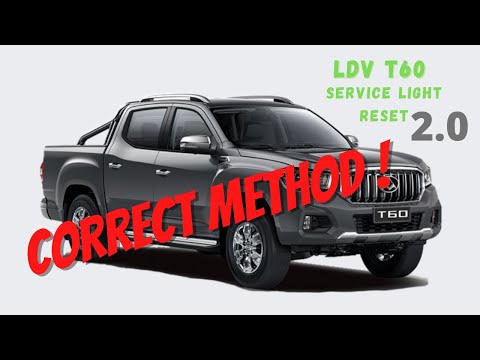
In this video we see how to reset the service of the Maxus T60 pick-up. This vehicle is marketed in Australia and New Zealand under the LDV T60 brand…
Maxus T60
(2016-2024 /
MK 1)
As we can see in this tutorial, resetting the service light in the Maxus T60 pick-up is an extremely simple and fast operation. Before proceeding, we…

Maxus T60
(2016-2024 /
MK 1)
In this video, we will see how to change the time on the instrument panel of a Maxus T60, to switch to daylight saving time or to adjust the time in …
Other guides you may be interested in
|
How to Replace the Air Filter on a Citroen C4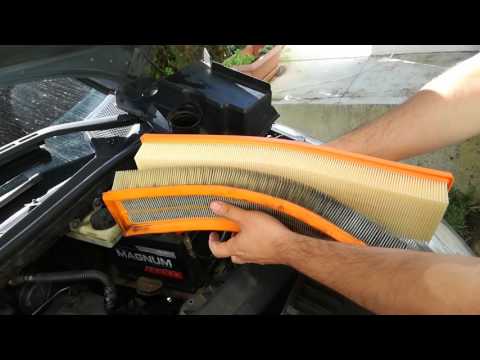
How do you replace the engine air filter on a Citroen C4? Watch this video to see how to proceed. Open the car door, pull up the engine compartment release lever located at the bottom left of the dashboard, and lift the front bonnet, securing it. Using a screwdriver, unscrew the air kit, disconnect the engine air intake hose and the metal clamp pin. Remove the air filter box from the vehicle body, then extract the worn air filter and insert a new one, ensuring it fits snugly against the walls of the box. Finally, reattach the air box panel and tighten the screws. Close the front bonnet last. by ScegliAuto More videos
|
|
For advertising on this site Write to info@scegliauto.com
ScegliAuto is not responsible for any inaccuracy of the data in the lists. To report any inaccuracy or your business (if you own the business in question), please write to info@scegliauto.com
Number of seconds to generate the page: 0.054
(c) ScegliAuto 2026 - info@scegliauto.com - Privacy policy VAT number: IT01247470535 |
