
|
Do it yourself
| |||
| ||||


How to turn off the Maxus LDV G10 infotainment system display
Model: Maxus G10
MK 1
- Years 2014-2024
If the infotainment system display of your Maxus G10 LDV exhibits flickering problems during the frequency change on the car stereo or at other times then the manual off button may be useful so that you can restart it quickly and easily. To carry out this operation, both the display and the instrument panel must necessarily be on. Once you have found the correct button (the first from the right in the bottom row), just press it once to turn it off. Then turn it back on and the flickering problem should be gone completely.
Posted on 20 April 2022 by ScegliAuto
Video tutorial
Related tutorials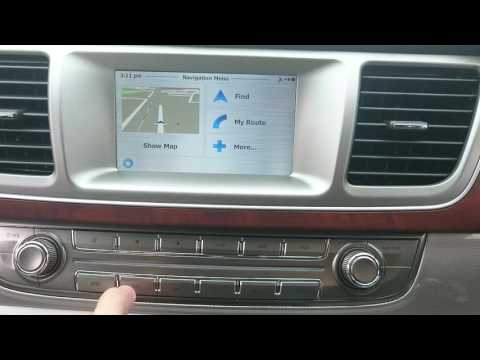
Maxus G10
(2014-2024 /
MK 1)
Let's see in this short and simple guide how to use the satellite navigator of the Maxus G10, but also of the LDV G10. First of all, let's get on boa…

Maxus G10
(2014-2024 /
MK 1)
In this video we can see how to set the radio to stay off when starting our Maxus G10: in fact, not everyone likes to hear the radio automatically st…
Maxus G10
(2014-2024 /
MK 1)
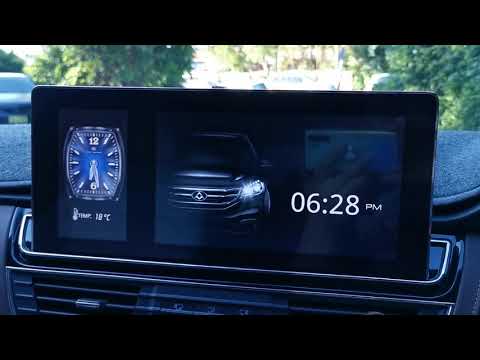
Let's see in this short and simple guide how to change the style of the watch that we find on the central display of the instrumentation of the Maxus…
Other guides you may be interested in
|
Timing Belt Replacement on Audi Q5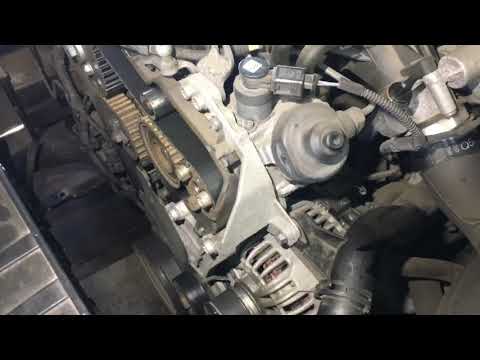
The timing belt on the Audi Q5 has reached its mileage limit, so what should you do? Let's go through the removal of the belts on the Q5. Open and lift the hood of the engine, then remove the engine soundproofing panel. Once these steps are completed, remove the plastic covers of the belts located on the left side of the engine. Loosen the second tensioner and slide the belt out of its seat. After installing the new belt, use a wrench to install the tensioner pulley, and tighten it until the belt has the correct tension (install both belts). Reinstall the covering plastics. Start and test the Audi Q5 engine. by ScegliAuto More videos
|

For advertising on this site Write to info@scegliauto.com
ScegliAuto is not responsible for any inaccuracy of the data in the lists. To report any inaccuracy or your business (if you own the business in question), please write to info@scegliauto.com
Number of seconds to generate the page: 0.092
(c) ScegliAuto 2026 - info@scegliauto.com - Privacy policy VAT number: IT01247470535 |
