
|
Do it yourself
| |||
| ||||


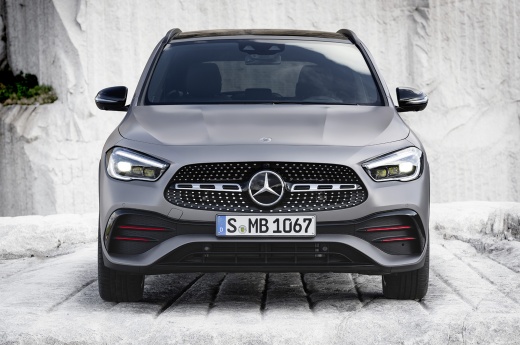
How to Reset the Service Light on a Mercedes GLA AMG
Model: Mercedes Gla
MK 2, H247
- Years:
2020, 2021, 2022, 2023, 2024, 2025, 2026
Video tutorial
To reset the service light on a Mercedes GLA AMG, follow the simple procedure suggested by this video, using the touch display and the steering wheel controls. Sit in the driver's seat and turn on the ignition. On the steering wheel, simultaneously press the centre button and the rear button and hold them for about 5 seconds. Release them and press the "Home" button: the main menu will appear on the display. Touch the screen and move left to select the "Workshop" option. Enter the menu and choose "Full Service" or "Reset." At this point, turn off and then turn on the ignition with the door open, then confirm by pressing the centre button. The system will ask for final confirmation: by accepting, the reset is complete.
Posted on 28 June 2026 by ScegliAuto
Related tutorials
Mercedes Gla
(2013-2019 /
W156, MK 1)
To replace the battery in the remote of the Mercedes GLA 45 AMG, remove the key from the top of the device: once removed, use a lever inside its hous…
Mercedes Gla
(2013-2019 /
W156, MK 1)
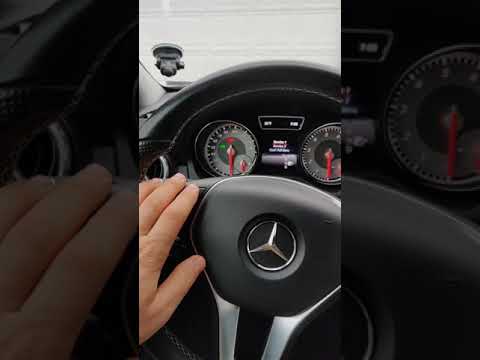
To reset the Service light on the Mercedes GLA, turn on the ignition by inserting the key into the ignition switch. Once the ignition is on, press an…
Mercedes Gla
(2013-2019 /
W156, MK 1)
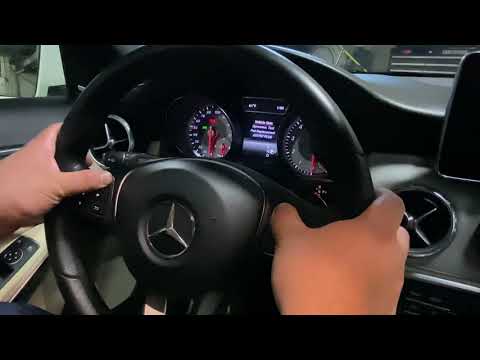
To reset the Service light on the Mercedes GLA, insert the ignition key into the corresponding slot: once the instrument cluster is powered on, press…
Other guides you may be interested in
|
How to Set the Time on the Central Display of the Toyota Yaris
Today, let's look at the instructions for adjusting the clock on the central display of the Toyota Yaris. First, get in the vehicle and turn on the instrument panel; then press and hold the button located to the right of the panel (next to the clock) until the time display starts to flash, as shown in the video. Now adjust the hour first, followed by the minutes, using the same button; finally, exit the time setting to save all changes made! by ScegliAuto More videos
|
|
For advertising on this site Write to info@scegliauto.com
ScegliAuto is not responsible for any inaccuracy of the data in the lists. To report any inaccuracy or your business (if you own the business in question), please write to info@scegliauto.com
Number of seconds to generate the page: 0.031
(c) ScegliAuto 2026 - info@scegliauto.com - Privacy policy VAT number: IT01247470535 |
