
|
Do it yourself
| |||
| ||||


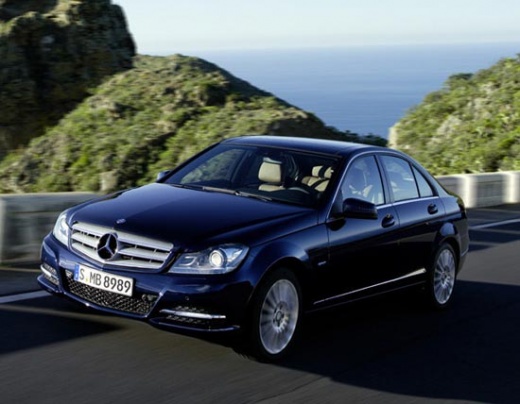
Installing LED Daytime Running Lights on Mercedes C-Class W204
Model: Mercedes Classe C
W204
- Years:
2007, 2008, 2009, 2010, 2011, 2012, 2013
Video tutorial
To give your Mercedes a more modern look, you can install LED daytime running lights in the lower area of the bumper, where the honeycomb grille is located, near the fog light housing. To do a professional job, remove the front bumper to route the wiring from the fuse box to the new light locations. Following the provided wiring diagram, connect the power wire to the appropriate socket and drill holes for mounting and routing the wires of the lights. Pay attention to the placement of the light control modules.
Updated on 14 March 2026 by ScegliAuto
Related tutorials
Mercedes Classe C
(2007-2013 /
W204)
.. bulbs of the overhead lights in the Mercedes C-Class W204. First, get inside the car and remove the central overhead light using a thin plastic trim.. …

Mercedes Classe C
(2007-2013 /
W204)
Follow these steps to remove and install the headlight bulbs on a Mercedes C-Class. Open the hood by pulling the lever located at the bottom right of…

Mercedes Classe C
(2007-2013 /
W204)
In today's tutorial video, you will see how to remove and replace the headlight bulbs on the Mercedes C-Class and B-Class, as well as the GLA. First,…
Other guides you may be interested in
|
How to Reset the Tyre Pressure Warning Light on the Opel Mokka?
To reset the tyre pressure warning light on the Opel Mokka, turn on the ignition by inserting the key into the ignition switch. Once the ignition is on, navigate through the menu that appears on the dashboard by pressing the MENU button on the lever to the left of the steering wheel. When the tyre pressure option appears, press and hold the SET/CLR button located on the same lever. This will reset the warning light, and you can then turn off the ignition. by ScegliAuto More videos
|
|
For advertising on this site Write to info@scegliauto.com
ScegliAuto is not responsible for any inaccuracy of the data in the lists. To report any inaccuracy or your business (if you own the business in question), please write to info@scegliauto.com
Number of seconds to generate the page: 0.122
(c) ScegliAuto 2026 - info@scegliauto.com - Privacy policy VAT number: IT01247470535 |
