
|
Do it yourself
| |||
| ||||


|
Video tutorial
To remove the driveshaft from the Mini R53, first loosen the bolts securing the front wheels so that they can be completely removed. Once the wheels are off, you can unscrew the bolts that secure the driveshaft, which can then be pulled out from its housing on the corresponding wheel side. Once the old driveshaft is removed, you can install the new driveshaft, allowing the corresponding wheel to be fitted back using the bolts.
Updated on 15 May 2026 by ScegliAuto
Related tutorials
Mini
(2001-2007 /
R53, R50, R52)
The service belt refers, regardless of the car model, to the belt that allows the alternator, water pump, and air conditioner to function. In the Min…
Mini
(2001-2007 /
R53, R50, R52)
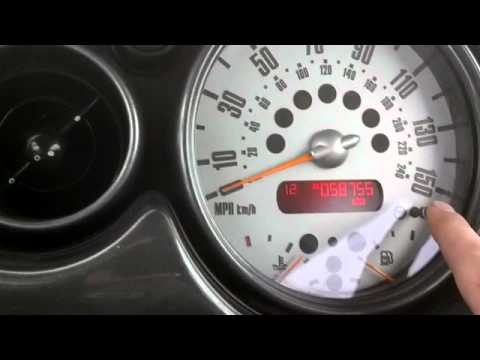
If the time displayed on the small screen of your Mini Cooper R53 (2001-2007) is incorrect, you can easily change it manually by following these step…

Mini
(2001-2007 /
R53, R50, R52)
In this video, you will learn how to register the key of a Mini R53: the receiver is located under the mirror, and to register it, insert the key int…
Other guides you may be interested in |
How to Reset the Tyre Pressure Warning Light on the Opel Mokka?
To reset the tyre pressure warning light on the Opel Mokka, turn on the ignition by inserting the key into the ignition switch. Once the ignition is on, navigate through the menu that appears on the dashboard by pressing the MENU button on the lever to the left of the steering wheel. When the tyre pressure option appears, press and hold the SET/CLR button located on the same lever. This will reset the warning light, and you can then turn off the ignition. by ScegliAuto More videos
|
|
For advertising on this site Write to info@scegliauto.com
ScegliAuto is not responsible for any inaccuracy of the data in the lists. To report any inaccuracy or your business (if you own the business in question), please write to info@scegliauto.com
Number of seconds to generate the page: 0.026
(c) ScegliAuto 2026 - info@scegliauto.com - Privacy policy VAT number: IT01247470535 |
