
|
Do it yourself
| |||
| ||||


How to Remove the On-Board Computer of a Peugeot 307
Model: Peugeot 307
MK 1
- Years 2001-2009
Follow this video to remove the on-board computer of a Peugeot 307 located at the top of the dashboard. Using a plastic lever or a screwdriver, detach the Peugeot on-board computer from the dashboard. Once the piece is extracted from the panel (by prying), disconnect all power connectors (if you need to replace the piece) or replace the damaged LEDs present in the on-board computer. Reinstall the piece at the top of the dashboard (ensure the metal clips engage). Finally, test the previously installed on-board computer with its functions.
Updated on 27 February 2026 by ScegliAuto
Video tutorial
Related tutorials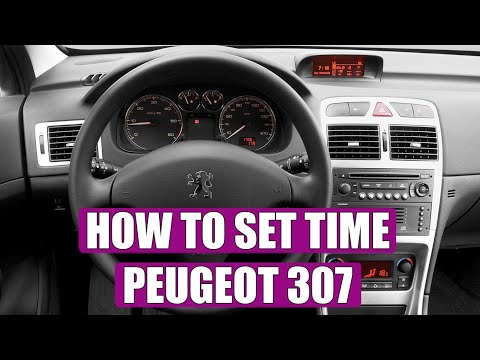
Peugeot 307
(2001-2009 /
MK 1)
Discover in this brief and simple guide how to adjust the clock on the Peugeot 307 by following these quick steps. First, get inside the vehicle and …
Peugeot 307
(2001-2009 /
MK 1)
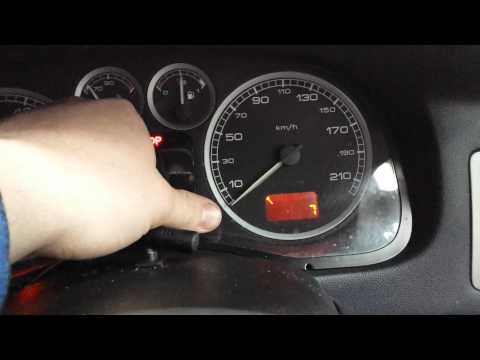
Let's see how to reset the warning light that appears on the information display of the Peugeot 307. Enter the cabin, press and hold the button as sh…

Peugeot 307
(2001-2009 /
MK 1)
Below we will see the instructions that will allow us to activate and deactivate the automatic door locking of the Peugeot 307. First of all, we get …
Other guides you may be interested in
|
How to Replace the Cabin Filter on the Opel Grandland X
If you own an Opel Grandland X and want to know the steps to replace the cabin air filter, carefully read the following guide and follow the described steps. First, enter the vehicle and go to the passenger side. Then, locate the box containing the air filter in the lower side area of the dashboard. Remove the cover of the box and finally replace the old filter with the new one. Refit the cover, and you are done. by ScegliAuto More videos
|
|
For advertising on this site Write to info@scegliauto.com
ScegliAuto is not responsible for any inaccuracy of the data in the lists. To report any inaccuracy or your business (if you own the business in question), please write to info@scegliauto.com
Number of seconds to generate the page: 0.180
(c) ScegliAuto 2026 - info@scegliauto.com - Privacy policy VAT number: IT01247470535 |
