
|
Do it yourself
| |||
| ||||


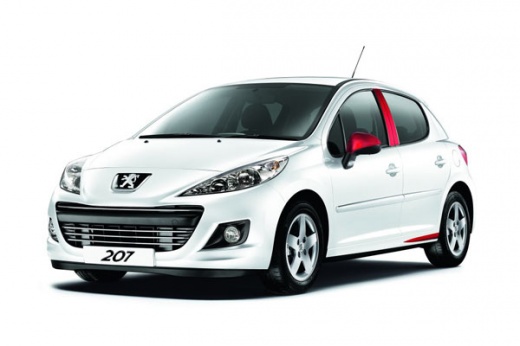
How to reset the service in the Peugeot 207?
Model: Peugeot 207
MK 1
- Years:
2006, 2007, 2008, 2009, 2010, 2011, 2012, 2013, 2014, 2015
Video tutorial
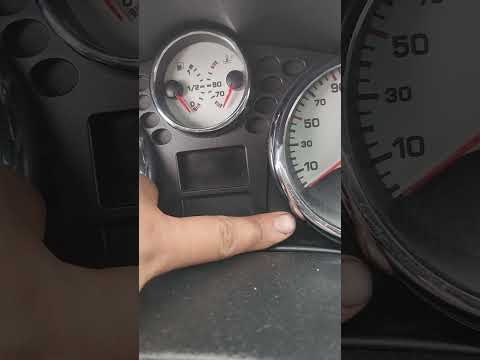
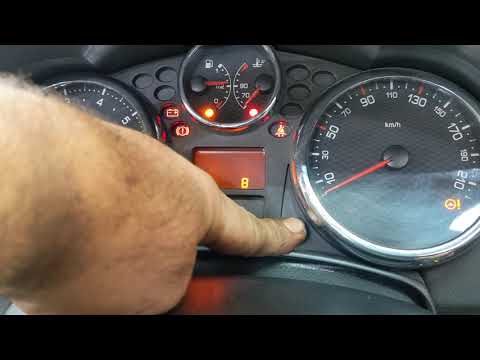
In this tutorial we can see how to reset the service in the Peugeot 207, an extremely simple and quick operation, to be carried out only once all scheduled maintenance work has been completed. Let's start by going inside the cabin, then insert the key but leave it in the first position. Then press and hold the right button on the dashboard, simultaneously turn on the instrument panel and keep the button pressed for the entire duration of the countdown displayed. To complete the procedure, simply restart the vehicle.
Posted on 8 March 2025 by ScegliAuto
Related tutorials
Peugeot 207
(2006-2015 /
MK 1)
On Peugeot 207 vehicles, as well as on Peugeot 206 vehicles, it is possible to reset the service light related to the car service in a few simple and…
Peugeot 207
(2006-2015 /
MK 1)
The service light on the mini display of your Peugeot 207 instrument cluster turns off automatically after performing the regular service on the vehi…
Peugeot 207
(2006-2015 /
MK 1)
The steps to reset the service light on a Peugeot vehicle are always the same. To reset the service light on the Peugeot 207, follow four steps. Firs…
Other guides you may be interested in
|
How to Activate Cruise Control on the Peugeot 3008
Today's steps will show you how to activate cruise control on the Peugeot 3008, following the instructions below. First, get into the vehicle and start the engine. To activate cruise control, you must reach a minimum speed. Then, activate cruise control using the central button on the left stalk, adjusting the speed with the buttons; use the dial to set the speed limit. Pressing the brake pedal will automatically disable the cruise control system. by ScegliAuto More videos
|
|
For advertising on this site Write to info@scegliauto.com
ScegliAuto is not responsible for any inaccuracy of the data in the lists. To report any inaccuracy or your business (if you own the business in question), please write to info@scegliauto.com
Number of seconds to generate the page: 0.084
(c) ScegliAuto 2026 - info@scegliauto.com - Privacy policy VAT number: IT01247470535 |
