
|
Do it yourself
| |||
| ||||


|
Model: Piaggio Vespa 150 Primavera
In this tutorial we can see how to reset the service on the Piaggio Vespa Primavera 150 scooter, an extremely simple and quick operation, to be carried out only once all scheduled maintenance work has been completed. First of all, insert the key, then turn on the instrument panel, and using the "MODE" button on the right handlebar, reach the screen showing the battery voltage. Turn off the panel, turn it on while holding down the same button, and release it only once the service has been successfully reset.
Posted on 27 September 2025 by ScegliAuto
Video tutorial
Related tutorials
Vespa 150 Primavera
In this tutorial, you will see how to replace the battery in a Piaggio Vespa 150 Primavera scooter, a very simple and quick operation. First, ensure …

Vespa 150 Primavera
In this tutorial, you will learn how to replace the front headlamp on a Piaggio Vespa 150 Primavera, a very simple and quick operation. First, ensure…

Vespa 150 Primavera
In this guide, see the instructions that will allow you to remove and replace the battery of the Piaggio Vespa 150 Primavera scooter. First, place th…
|
How to Service the Beta RR 350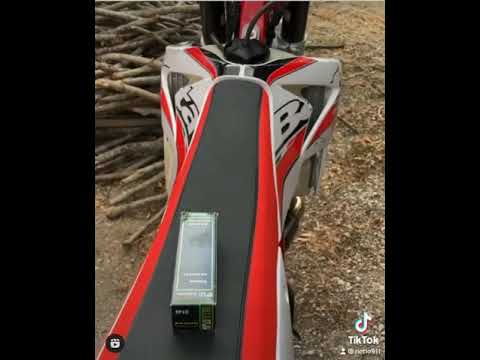
This video will illustrate the steps to perform the routine maintenance service, replacing the engine oil and oil filter on the Beta RR 350 enduro bike. First, place the bike on a stand and start by loosening the oil drain bolt located under the engine, allowing it to drain into a container for about ten minutes; then clean the small oil filter (replacing it with a new one if too dirty). Finally, top up with new oil, of the correct type for your engine, filling to the maximum level! by ScegliAuto More videos
|
|
For advertising on this site Write to info@scegliauto.com
ScegliAuto is not responsible for any inaccuracy of the data in the lists. To report any inaccuracy or your business (if you own the business in question), please write to info@scegliauto.com
Number of seconds to generate the page: 0.005
(c) ScegliAuto 2026 - info@scegliauto.com - Privacy policy VAT number: IT01247470535 |
