
|
Do it yourself
| |||
| ||||


Reset service warning light on Renault Twingo
Model: Renault Twingo
Twingo 3, Twingo III
- Years 2014-2024
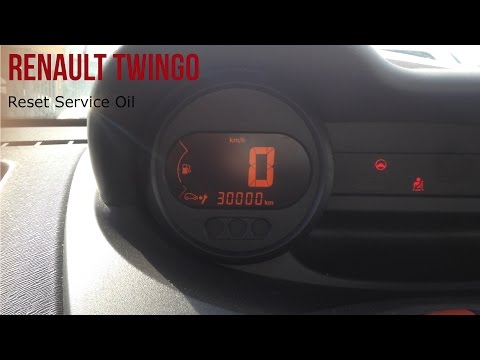
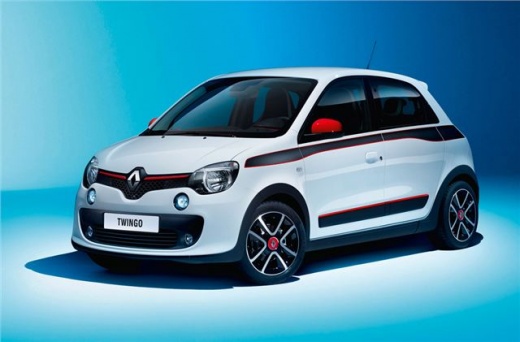
Today we are going to see how to reset the maintenance warning light on your Renault car. This procedure will be very useful if your trusted workshop has forgotten to reset it after the service, or if you do the maintenance yourself. By pressing the buttons on the dipstick (with hood, doors and trunk closed) and scroll down the drop-down menu until you see the figure of the car with the arrow pointing to a wrench on your panel. At this point, keep the usual little button pressed at the end of the rod until the signal is reset. Turn off the ignition and turn on again to confirm.
Posted on 9 July 2021 by ScegliAuto
Video tutorial
Related tutorials
Renault Twingo
(2014-2024 /
Twingo 3, Twingo III)
To reset the service light on a Renault Twingo model 3, produced from 2014 to 2024, we need to turn on the instrument panel and immediately press the…
Renault Twingo
(2007-2014 /
Twingo 2)
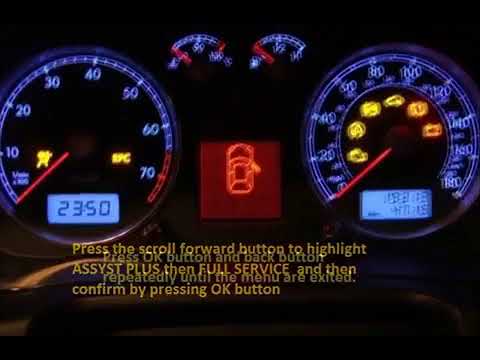
Let's see in this video how to reset the maintenance Reset Service on Renault Twingo. Very simple operation: enter the car body, turn on the instrume…
Renault Twingo
(1993-2007 /
Twingo 1)
The reset of the service light on a 2007 Renault Twingo is a very simple operation, which can be done independently after having the necessary mainte…
Other guides you may be interested in
|
How to Remove the Headlight Bulb on a Honda Civic
Are the front headlight bulbs on your Honda Civic faulty? Follow this instructional video for the disassembly process. Open the bonnet of the engine compartment, remove the inspection caps from the headlights using a screwdriver, detach the bulb holders from the headlight, and disconnect the respective power connectors. Replace the damaged bulbs with new ones of the same size and voltage. After replacing the bulbs, reinstall the bulb holder in the headlight housing. Finally, close the rear of the headlights with the inspection caps. Test the lights to ensure they are functioning correctly. by ScegliAuto More videos
|
|
For advertising on this site Write to info@scegliauto.com
ScegliAuto is not responsible for any inaccuracy of the data in the lists. To report any inaccuracy or your business (if you own the business in question), please write to info@scegliauto.com
Number of seconds to generate the page: 0.134
(c) ScegliAuto 2026 - info@scegliauto.com - Privacy policy VAT number: IT01247470535 |
