
|
Do it yourself
| |||
| ||||


How to Enter the Radio Code for the Renault Clio 2
Model: Renault Clio
Clio 2, MK 2
- Years 1998-2005
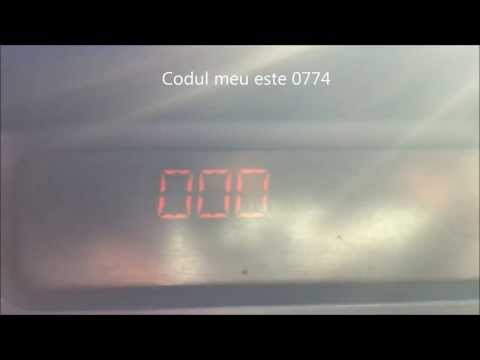
In this simple guide, you will find instructions to locate and enter the radio code for the second series Renault Clio. First, get inside the vehicle and take the owner's manual to note down the radio code, usually found on the first page. Then, turn on the radio and press buttons one and five to access the code entry screen. Now, enter the radio code found in the manual to unlock the radio stations, following the video to the end!
Updated on 7 June 2026 by ScegliAuto
Video tutorial
Related tutorials
Renault Clio
(2012-2019 /
Clio IV, MK 4, Clio 4)
Today's steps will show us how to find and enter the radio code on the Renault Clio, following the instructions below. First, we get into the car and…
Renault Clio
(2005-2013 /
MK 3, Clio 3, Clio III)
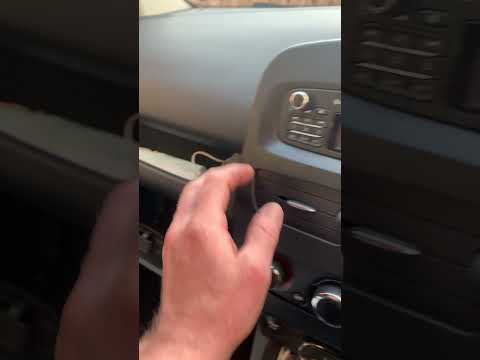
Today's instructions will show you how to enter the radio code for the Renault Clio in simple and quick steps. First, locate the radio code, which ca…
Renault Clio
(2012-2019 /
Clio IV, MK 4, Clio 4)
In the Renault Clio 4, the radio code is entered using the keypad on the left side of the radio. Buttons 1 to 4 are used to input the four digits of …
Other guides you may be interested in |
Frequently Asked QuestionsHow to Replace the Remote Battery for the Volvo XC40?
In this tutorial, you will see how to replace the battery in the remote for the Volvo XC40, a very simple and quick operation. For this, you will need a replacement battery of type CR2032 and possibly a small flathead screwdriver. First, remove the front cover by pressing the button on the metal ring, then locate the second button, press it as well, and remove the opposite cover. Next, open the circular cap, take out the old battery, and insert the new one in the opposite direction. Finally, reassemble everything. by ScegliAuto More videos
|
|
For advertising on this site Write to info@scegliauto.com
ScegliAuto is not responsible for any inaccuracy of the data in the lists. To report any inaccuracy or your business (if you own the business in question), please write to info@scegliauto.com
Number of seconds to generate the page: 0.509
(c) ScegliAuto 2026 - info@scegliauto.com - Privacy policy VAT number: IT01247470535 |
