
|
Do it yourself
| |||
| ||||


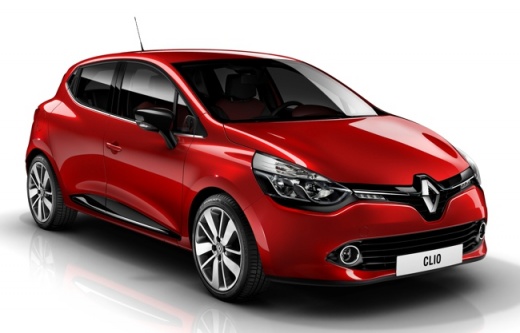
How to reset the tire pressure warning light on Renault Clio?
Model: Renault Clio
MK 4, Clio 4, Clio IV
- Years 2012-2019
In this tutorial we can see how to reset the tire pressure warning light in the Renault Clio, an extremely simple and quick operation. Before doing this, of course, we must have restored the correct pressure of each tire indicated on the label located on the inner edge of the driver's door. To proceed with the reset, first turn on the instrument panel, then scroll through the display screens with the directional arrows located at the end of the right lever. Once the screen related to tire pressure is reached, press and hold the up arrow button for about 10 seconds.
Posted on 4 April 2023 by ScegliAuto
Video tutorial
Related tutorials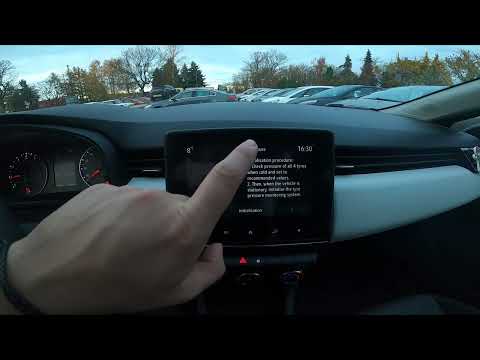
Renault Clio
(2019-2026 /
Clio V, Clio 5)
In this new guide dedicated to all of you who own a Renault Clio Mk5, we will discover how to manually reset the tire pressure warning light. This is…

Renault Clio
(2019-2026 /
Clio V, Clio 5)
In this tutorial, you will see how to reset the tyre warning light on the Renault Clio, an extremely simple and quick operation, to be performed only…

Renault Clio
(2012-2019 /
MK 4, Clio 4, Clio IV)
In this tutorial we can see how to reset the tire pressure warning light in the Renault Clio, an extremely simple and quick operation, to be carried …
Other guides you may be interested in |
How to Change the Cabin Filter on a Fiat Punto Evo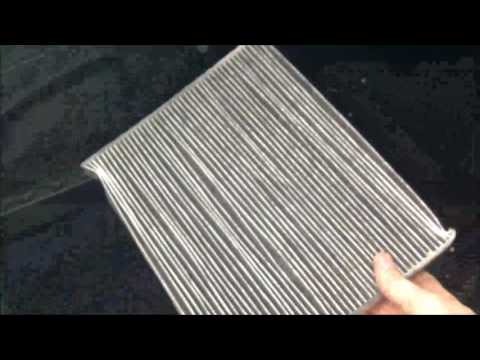
How to change the air conditioning pollen filter on a Fiat Punto Evo? Remove the plastic cover of the centre tunnel (right side of the tunnel), then remove the plastic cover from the filter cap (located inside the centre tunnel), and extract the worn cabin filter. Insert a new cabin filter, ensuring it fits snugly around the walls of the housing: refit the filter cap and secure the container (close the glove compartment located in the centre tunnel). Check the correct installation of the previously fitted parts. by ScegliAuto More videos
|
|
For advertising on this site Write to info@scegliauto.com
ScegliAuto is not responsible for any inaccuracy of the data in the lists. To report any inaccuracy or your business (if you own the business in question), please write to info@scegliauto.com
Number of seconds to generate the page: 0.048
(c) ScegliAuto 2026 - info@scegliauto.com - Privacy policy VAT number: IT01247470535 |
