
|
Do it yourself
| |||
| ||||


How to change the system language of the Renault Clio 4?
Model: Renault Clio
Clio IV, Clio 4, MK 4
- Years 2012-2019
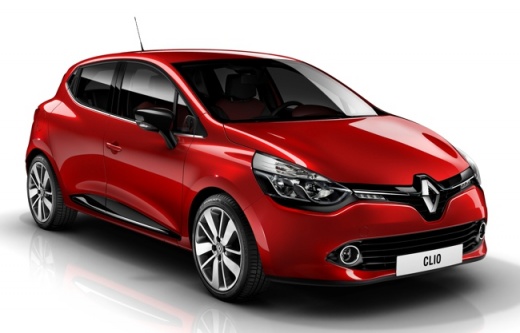
To manually change the system language used on your Renault Clio Mk4, you need to follow a few simple steps that we will describe in this new guide dedicated to you. First of all, position yourself in the driver's seat and start both the instrument panel and the central infotainment system. Then, navigate to the infotainment system and click on the "Voice settings" icon. As soon as the new menu screen opens, scroll through it and select the language you prefer. Finally, exit the menu to save the changes made, and you're done.
Posted on 25 November 2023 by ScegliAuto
Video tutorial
Related tutorials
Renault Clio
(2012-2019 /
Clio IV, Clio 4, MK 4)
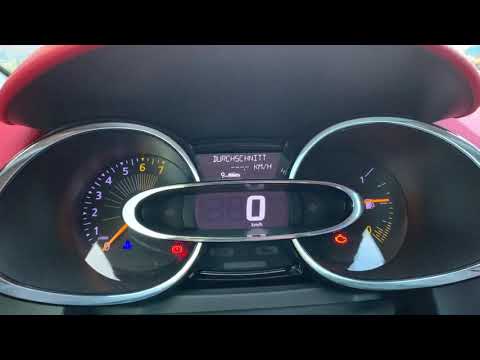
Today we will explain how to change the language of the on-board computer on the Renault Clio IV. To perform this operation, we need to turn on the o…
Renault Clio
(2012-2019 /
Clio IV, Clio 4, MK 4)
In order to change the language on the Renault Clio's on-board computer, a diagnostic tool must be connected to the vehicle's OBD port: this port is …
Renault Clio
(2019-2026 /
Clio 5, Clio V)
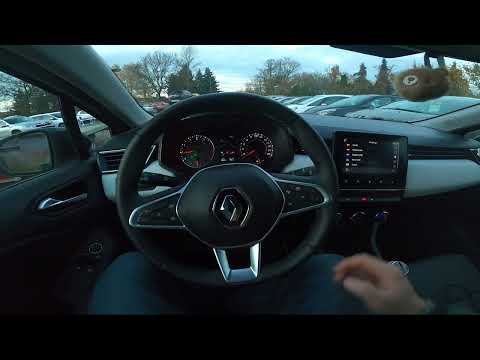
Good morning, today's goal is to change the language of the onboard computer of our Renault Clio. Let's start by turning on the onboard computer by p…
Other guides you may be interested in
|
Frequently Asked QuestionsHow to Remove the Gear Knob on an Opel Astra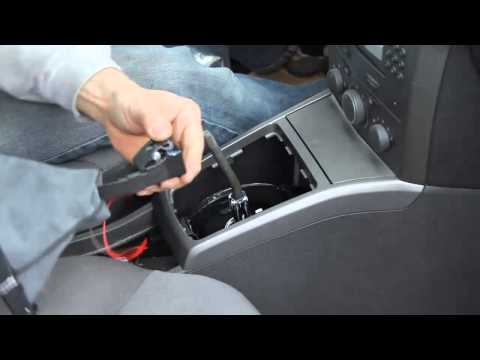
How to replace the gear knob on an Opel Astra? Follow these steps: use a plastic lever to disconnect the leather gaiter frame (if you need to replace it). Grip the knob with both hands and pull it upwards (with a strong and decisive motion) until it comes off the gear stick. For installation: fit the new gaiter and position it on the centre tunnel, take the new knob and push it onto the stick, tightening it until fully threaded. Test the movement of the stick on the centre tunnel to ensure the knob is correctly fitted. by ScegliAuto More videos
|
For advertising on this site Write to info@scegliauto.com
ScegliAuto is not responsible for any inaccuracy of the data in the lists. To report any inaccuracy or your business (if you own the business in question), please write to info@scegliauto.com
Number of seconds to generate the page: 0.058
(c) ScegliAuto 2026 - info@scegliauto.com - Privacy policy VAT number: IT01247470535 |
