
|
Do it yourself
| |||
| ||||


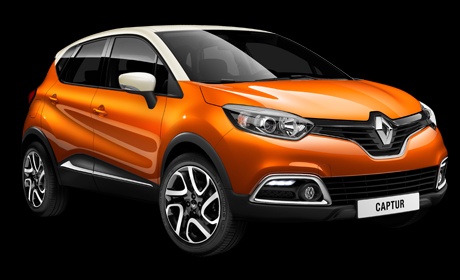
How to reset the tyre warning light on the Renault Captur?
Model: Renault Captur
MK 1
- Years:
2013, 2014, 2015, 2016, 2017, 2018, 2019
Video tutorial
In this tutorial, you will see how to reset the tyre warning light on the Renault Captur, a very simple and quick operation. Before proceeding, ensure you have restored the correct pressure in each tyre according to the instructions in the manual. Start by entering the cabin, then turn on the instrument panel. Using the directional buttons located at the end of the windscreen wiper control lever, navigate to the screen displaying the warning light in question. Once done, press and hold the down arrow button until the warning light disappears.
Updated on 29 September 2026 by ScegliAuto
Related tutorials
Renault Captur
(2013-2019 /
MK 1)
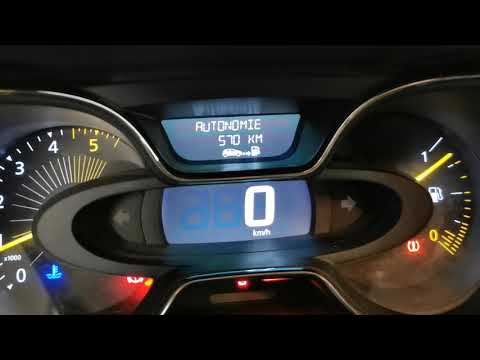
To reset the tyre pressure warning light on the Renault Captur, insert the key into the ignition barrel and turn it to activate the instrument cluste…
Renault Captur
(2013-2019 /
MK 1)
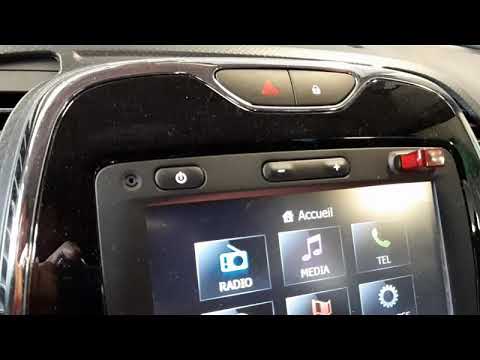
To reset the tyre pressure warning light on the Renault Captur, first inflate all the tyres to the correct pressure value: once they are inflated, yo…
Renault Captur
(2013-2019 /
MK 1)
To reset the tyre pressure warning light on the Renault Captur, first inflate the tyres to the correct pressure, which is indicated on the sticker af…
Other guides you may be interested in |
How to reset the Service light on a 2019 Jeep Renegade?
The Service light, depicted as a yellow spanner, illuminates as scheduled to remind the driver that it is time for scheduled maintenance. This means that the set mileage has been reached, or the expected time has passed. The procedure involves turning on the instrument cluster, pressing the accelerator three times, and then turning off the ignition. After this, keep the brake pressed, turn the ignition back on, and then turn it off again. Upon the next ignition, you will notice that the light has been reset. by ScegliAuto More videos
|
|
For advertising on this site Write to info@scegliauto.com
ScegliAuto is not responsible for any inaccuracy of the data in the lists. To report any inaccuracy or your business (if you own the business in question), please write to info@scegliauto.com
Number of seconds to generate the page: 0.010
(c) ScegliAuto 2026 - info@scegliauto.com - Privacy policy VAT number: IT01247470535 |
