
|
Do it yourself
| |||
| ||||


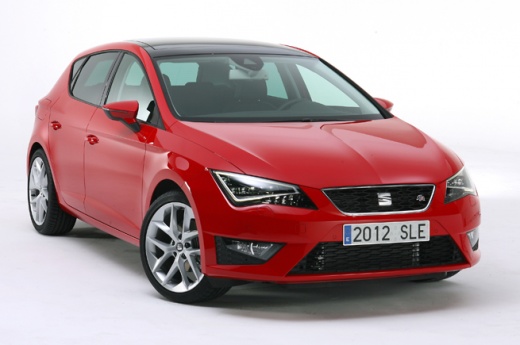
How to Reset the Service Light on the Seat Leon?
Model: Seat Leon
5F, MK 3
- Years:
2012, 2013, 2014, 2015, 2016, 2017, 2018, 2019
Video tutorial
To reset the Service light on the Seat Leon, turn on the ignition by inserting the key and turning it. Then, press and hold the button on the right side of the steering wheel until the menu appears, navigating with the scroll wheel on the same side. Select the "Range" option and scroll to "Reset oil service": once selected, hold the scroll wheel for a few seconds until the light resets, then you can turn off the ignition.
Updated on 15 August 2026 by ScegliAuto
Related tutorials
Seat Leon
(2005-2013 /
1P)
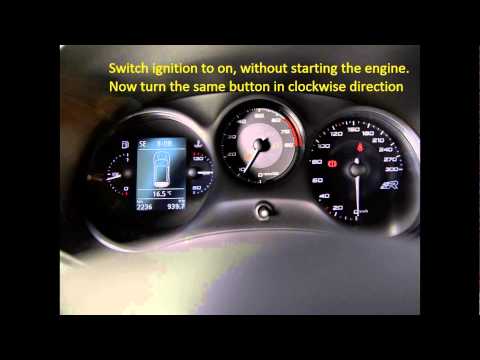
To manually reset the service light on your second series Seat Leon, follow the procedure described in this guide. First, get into the car and reach …
Seat Leon
(2005-2013 /
1P)
The procedure to reset the service light in a Seat Leon begins with the vehicle turned off. Looking at the centre of the instrument panel, find a but…
Seat Leon
(2005-2013 /
1P)
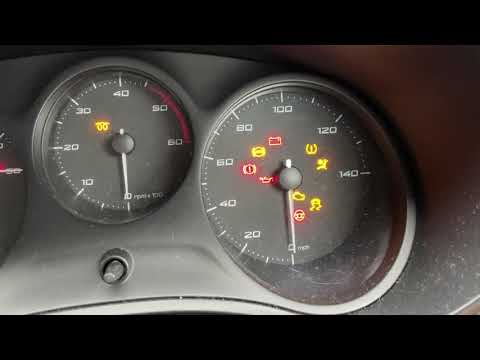
To reset the tyre pressure light on the Seat Leon, turn on the ignition, start the car, and notice that the tyre pressure light is on. To turn it off…
Other guides you may be interested in
|
How to Activate Cruise Control on the Peugeot 3008
Today's steps will show you how to activate cruise control on the Peugeot 3008, following the instructions below. First, get into the vehicle and start the engine. To activate cruise control, you must reach a minimum speed. Then, activate cruise control using the central button on the left stalk, adjusting the speed with the buttons; use the dial to set the speed limit. Pressing the brake pedal will automatically disable the cruise control system. by ScegliAuto More videos
|
|
For advertising on this site Write to info@scegliauto.com
ScegliAuto is not responsible for any inaccuracy of the data in the lists. To report any inaccuracy or your business (if you own the business in question), please write to info@scegliauto.com
Number of seconds to generate the page: 0.103
(c) ScegliAuto 2026 - info@scegliauto.com - Privacy policy VAT number: IT01247470535 |
