
|
Do it yourself
| |||
| ||||


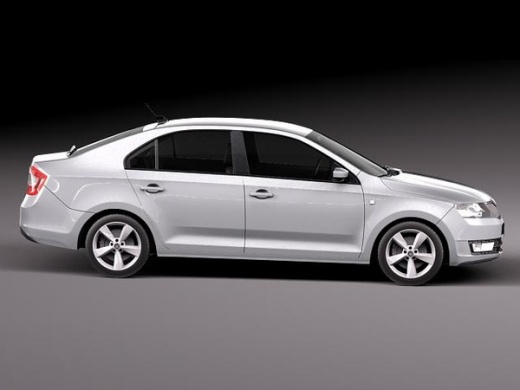
How to reset the "Service" light on a Skoda Rapid?
Model: Skoda Rapid
MK 1
- Years 2012-2019
To reset the "Service" light on a Skoda Rapid, start by turning on the instrument panel without starting the engine. Locate the button positioned under the instrument panel and hold it down. The maintenance menu will appear on the vehicle's display. Navigate through the options until you select the function to reset the service reminder. Once you have found the correct option, press the button again to confirm the operation. Follow the displayed instructions to complete the procedure. After performing the reset, turn off and then on the instrument panel to verify that the message has disappeared and that the system has recorded the updated maintenance interval.
Posted on 18 June 2025 by ScegliAuto
Video tutorial
Related tutorials
Skoda Rapid
(2012-2019 /
MK 1)
To reset the "Service" light on a Skoda Rapid, start by turning on the car's ignition. Once it's on, look for the reset button which is usually locat…

Skoda Rapid
(2012-2019 /
MK 1)
To reset the "Service" light on a Skoda Rapid, start by turning on the instrument panel without starting the engine. Locate the button located under …

Skoda Rapid
(2012-2019 /
MK 1)
In this video we can see how to reset the service light of the Skoda Rapid: with the ignition off we will have to press the button located below the …
Other guides you may be interested in
|
How to Set the Clock on the Opel Zafira
Setting the clock to the current Italian time on an Opel Zafira model B is a very simple operation, also made easier by our short instructional video. The first step is to turn on the instrument panel and then press the SETTING button located on the central dashboard. Once inside the menu, use the buttons to navigate to the clock setting. Adjust the hours and minutes and restart the instrument panel. If the clock does not update, it may be necessary to diagnose the radio or the vehicle's control unit. by ScegliAuto More videos
|
|
For advertising on this site Write to info@scegliauto.com
ScegliAuto is not responsible for any inaccuracy of the data in the lists. To report any inaccuracy or your business (if you own the business in question), please write to info@scegliauto.com
Number of seconds to generate the page: 0.089
(c) ScegliAuto 2026 - info@scegliauto.com - Privacy policy VAT number: IT01247470535 |
