
|
Do it yourself
| |||
| ||||


How to Reset the Service Light on Smart 450
Model: Smart Smart
450
- Years 1998-2007
In this video tutorial, you can see how to reset the service light on a Smart 450 without needing to consult a mechanic. You can perform this operation independently, saving time and money. Once you have completed the necessary maintenance on your vehicle, get in, turn on the ignition, and within four seconds, press and hold the trip meter button. Then select the maintenance indicator; within 10 seconds, turn off the ignition. Next, press and hold the trip reset button. Step five, turn on the ignition again. Step six, wait ten seconds, then release the button when the message "O" appears on the odometer display. Finally, turn off the ignition, and you're done.
Updated on 14 June 2026 by ScegliAuto
Video tutorial
Related tutorials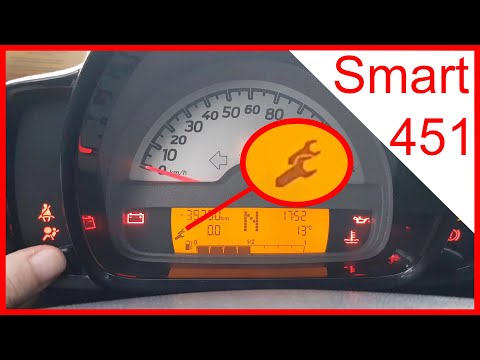
Smart
(2007-2015 /
451)
In this video tutorial, you can see how to reset the service light on the Smart 451 by following a few simple steps that will guide you step by step …
Smart
(2014-2022 /
453)
In this video tutorial, you can see how to reset the service on a Smart 453 by following a few simple steps that will guide you towards proper manage…
Smart
(1998-2007 /
450)
If you want to avoid overheating or loss of power in your Smart 450, you must periodically replace the air filter. Below, we will discover how to per…
Other guides you may be interested in
|
Frequently Asked QuestionsHow to Open the Fuel Filler Flap on a Hyundai i20?
In this tutorial, you will see how to open the fuel filler flap on a Hyundai i20, a very simple operation similar to that of many vehicles. First, go inside the cabin; it is not necessary to insert the key or unlock all the locks, then locate and operate the lever situated in the lower left area of the cabin, right next to the driver's seat. Once done, exit the vehicle, fully open the flap, and unscrew the fuel cap. To close the flap, simply press it gently until you hear a click. by ScegliAuto More videos
|
|
For advertising on this site Write to info@scegliauto.com
ScegliAuto is not responsible for any inaccuracy of the data in the lists. To report any inaccuracy or your business (if you own the business in question), please write to info@scegliauto.com
Number of seconds to generate the page: 0.188
(c) ScegliAuto 2026 - info@scegliauto.com - Privacy policy VAT number: IT01247470535 |
