
|
Do it yourself
| |||
| ||||


How do you adjust the sunroof of the Smart 451?
Model: Smart Smart
451
- Years 2007-2015
Cars equipped with a sunroof, both electrically and manually operated, periodically need to receive certain careful attention and checks. In the video shown here, the Smart's convertible top is shown, which over time, exposure to weather events and other factors, may encounter difficulties in opening and closing. Simply put, as explained in this tutorial, attention must be paid to the cables and side fasteners present, which tend to wear out and come out of their seat. Once these are repaired or replaced, the correct tension and movement in the opening/closing motion will be restored.
Posted on 18 May 2024 by ScegliAuto
Video tutorial
Related tutorials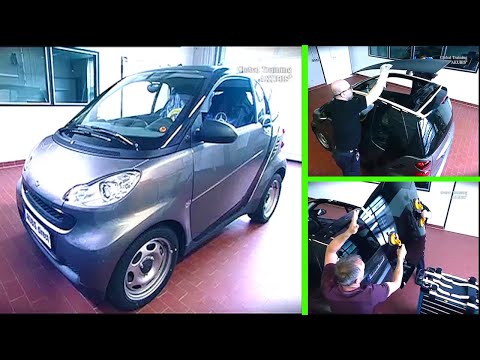
Smart
(2007-2015 /
451)
In this brief guide, we will cover the main steps to remove and replace the roof, including the panoramic roof, of the Smart Fortwo 451, following th…

Smart
(2007-2015 /
451)
One issue that may occur with cars equipped with an electric roof, including the Smart 451 shown in the video, is incomplete opening and closing, or …
Smart
(2007-2015 /
451)
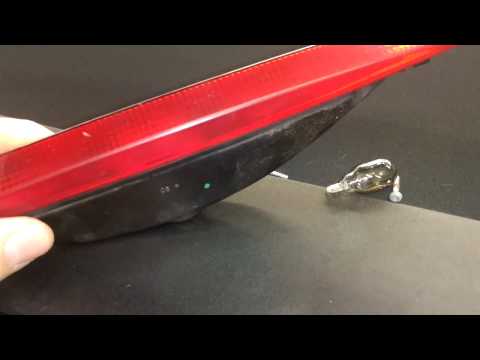
If the brake light located on the rear of the roof of your Smart 451 does not illuminate, you must replace the bulb. Below, we will discover how to c…
Other guides you may be interested in
|
How to Connect the Cables to the Battery of the Citroen Xsara Picasso?
In this tutorial, you will see how to connect the cables to the battery of the Citroen Xsara Picasso, useful if you need to recharge it or perform an emergency start. First, ensure the key is not inserted, then open the bonnet and move to the front of the left headlamp. Next, locate the bolt just behind the filter box and connect the positive terminal clamp to it. Now you can connect the negative terminal to any point on the chassis, such as the indicated point. Once the operation is complete, ensure you disconnect the negative first and then the positive. by ScegliAuto More videos
|

|
For advertising on this site Write to info@scegliauto.com
ScegliAuto is not responsible for any inaccuracy of the data in the lists. To report any inaccuracy or your business (if you own the business in question), please write to info@scegliauto.com
Number of seconds to generate the page: 0.677
(c) ScegliAuto 2026 - info@scegliauto.com - Privacy policy VAT number: IT01247470535 |
