
|
Do it yourself
| |||
| ||||



How to reset the brake warning light on a BMW 1 Series?
Years:
2011-2019
To reset the brake warning light, we will have to start with activating the instrumentation. After that we will have to go and press the "BC" button repeatedly until the time appears. At this point we will have to go and hold down the left button inside the instrument panel until the reset options appear. Once this is done, we will have to go to select the reset of the brakes, and then press and hold the same button again until the light goes out, and we will have finished the reset.
Video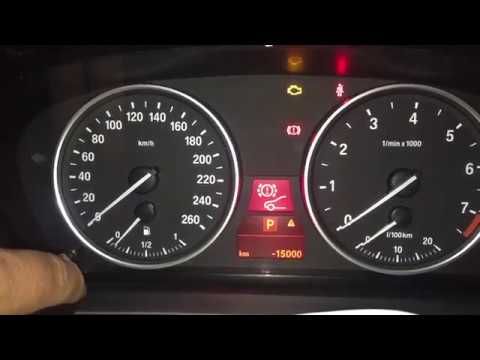
How to reset the brake wear warning light on the BMW 1 Series?
BMW Serie 1
(2004-2013 /
E81, E82, MK 1, E87)
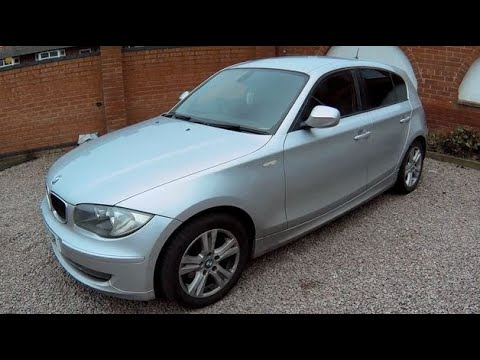
To reset the brake wear warning light on the BMW 1 Series, insert the key and turn it to switch on the instrument cluster. Once the cluster is on, pr…
BMW Serie 1
(2004-2013 /
E81, E82, MK 1, E87)
To reset the brake wear warning light on a BMW 1 Series, first replace the brake pads that need changing. Once installed, enter the cabin, switch on …

BMW Serie 1
(2019-2026 /
MK 3, F40)
Today we will explain how to reset the brake pad warning light on a 2020 BMW 1 Series car. Press the start/stop button three times and immediately af…
|
Why won't the fuel tank flap of the BMW 1 Series E81 close?
Answer: 15-04-2023
What is the cost for a BMW 1 Series MOT?
Answer: 22-12-2022
Where is the spare wheel located in the BMW 1 Series?
Answer: 17-08-2022
Where is the BMW 1 Series jack located?
Answer: 20-01-2022
How much oil should you put in a BMW 1 Series 116 d?
Answer: 13-01-2021 
|
|
For advertising on this site Write to info@scegliauto.com
ScegliAuto is not responsible for any inaccuracy of the data in the lists. To report any inaccuracy or your business (if you own the business in question), please write to info@scegliauto.com
Number of seconds to generate the page: 0.059
(c) ScegliAuto 2026 - info@scegliauto.com - Privacy policy VAT number: IT01247470535 |
