
|
Do it yourself
| |||
| ||||


How to reset the maintenance light on the Audi Q7
Model: Audi Q7
4M, MK 2
- Years 2015-2024
The manual procedure that allows you to reset the maintenance light on your new Audi A7 only takes a few seconds to be completed correctly. All you have to do is carefully read the following described procedure and follow the various steps. First of all, get into the car and start the instrument panel so you can also use the touchscreen display of the infotainment system. Then click on the "Vehicle" icon and select the "Service intervals" option. At this point, click on the "Reset" option and complete the manual reset of the maintenance light.
Posted on 7 January 2025 by ScegliAuto
Video tutorial
Related tutorials
Audi Q7
(2015-2024 /
4M, MK 2)
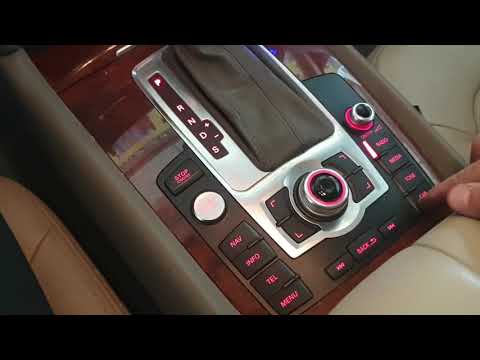
In this tutorial, we can see how to reset the tire pressure warning light in the Audi Q7, an extremely simple and quick operation, to be carried out …
Audi Q7
(2015-2024 /
4M, MK 2)
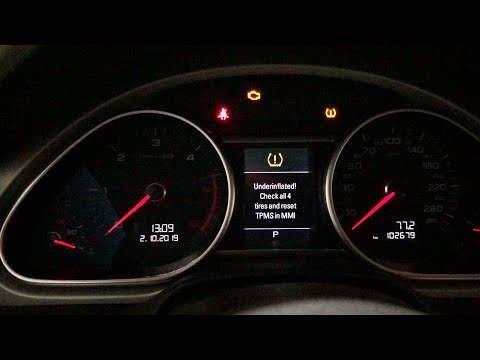
In this tutorial we can see how to reset the tire warning light in the Audi Q7, an extremely simple and fast operation, to be carried out only after …
Audi Q7
(2006-2015 /
4L, MK 1)
In this tutorial we can see how to reset the tire pressure light in the Audi Q7, a very simple and quick operation. Before proceeding, we must have r…
Other guides you may be interested in |
How to Replace the Front Wing of a Renault Clio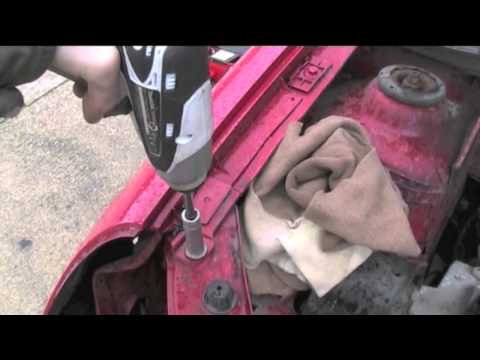
First, remove the wheel where the replacement will occur, then lift the vehicle. This will provide easy access to the clips and bolts securing the wing from the inside. Next, remove the bolts located on the underside of the body and any remaining screws. You can now comfortably extract the entire inner part of the wing. To remove the bumper, follow the instructions in the video. To reassemble the wing, simply retrace the steps in reverse. by ScegliAuto More videos
|

|
For advertising on this site Write to info@scegliauto.com
ScegliAuto is not responsible for any inaccuracy of the data in the lists. To report any inaccuracy or your business (if you own the business in question), please write to info@scegliauto.com
Number of seconds to generate the page: 0.045
(c) ScegliAuto 2026 - info@scegliauto.com - Privacy policy VAT number: IT01247470535 |
